
The best help desk software for a small store keeps every customer message in one place and costs the same in a busy month as in a quiet one. Many stores start with a shared Gmail inbox. Then a refund request sits unseen for three days, two people answer the same customer, and nobody can see what a customer asked last time. A shared inbox with a proper help desk fixes this.
The best help desk software in 2026 is: 1) ThriveDesk, for small stores that want AI built in; 2) Gorgias, for Shopify-first stores; 3) Freshdesk, for low per-agent pricing; 4) Help Scout, for a simple shared inbox; 5) Zendesk, for growing teams that need depth; 6) Zoho Desk, for Zoho users; 7) eDesk, for marketplace sellers; 8) Front, for multichannel teams; 9) Hiver, for teams that work in Gmail; and 10) HubSpot Service Hub, for a free start with CRM.
We checked every price on each vendor’s pricing page on 17 November 2026. We did not run a hands-on benchmark. ThriveDesk is our product, so we state where another tool is the better choice.
34%
of consumers spend less with a company after a negative experience; 13% stop spending entirely
Qualtrics XM Institute, November 2025 (20,001 consumers, 14 countries)
1 in 3
customers expect a reply to an email within one hour or less
Shopify, citing Toister Solutions, 2025
91%
of customer service leaders report pressure from executives to implement AI
Gartner, February 2026 (321 leaders)
87%
of customers say companies that use GenAI for service must offer a way to reach a human agent
Gartner, August 2026 (3,566 customers)
What counts as help desk software
A help desk turns customer messages into tracked requests. Each request has an owner, a status and a history. A shared inbox only gives several people access to one mailbox. It has no owner or status for each request.
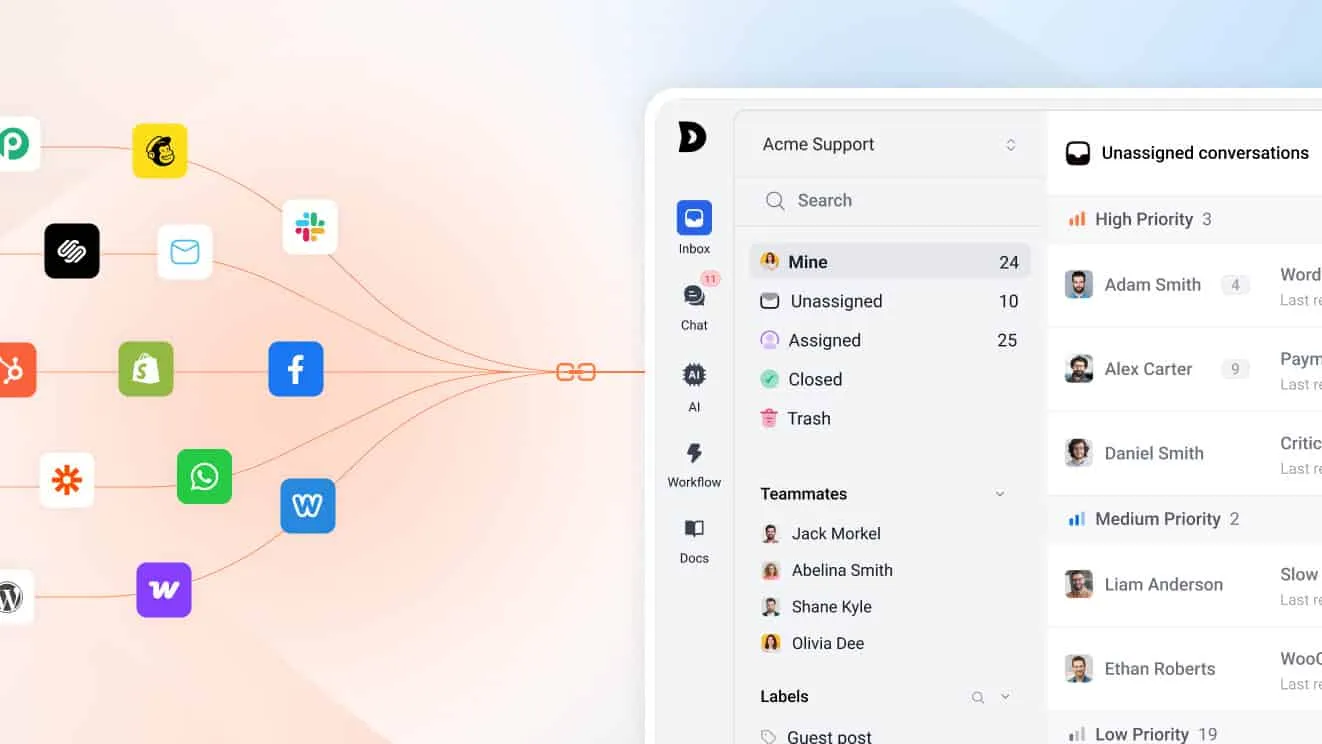
Most tools in this list sit between the two. Some started as an email tool and added chat. Others started as an enterprise ticket system and added a small-business plan. The differences show up in price, setup effort and fit with your store platform. A store on Shopify or WooCommerce needs order data inside the inbox. A team that only handles email may need very little more than a clean shared inbox. Decide which group you are in before you compare prices.
Speed matters for this choice. Nearly a third of customers expect an email reply in one hour or less. Slow answers cost sales too: 34% of consumers reduce their spending after a negative experience, and 13% stop spending entirely.
How we evaluated
We scored each tool on five questions:
- Does it fit your store platform? Look for Shopify or WooCommerce order details next to the conversation.
- How is it priced? Per agent, per ticket, per resolution or flat.
- What does AI cost? Some tools include it. Others charge each time the AI resolves a chat.
- How long is setup? A lean team has no spare administrator.
- Is there a free plan or trial? You should test with real tickets before you pay.
Quick comparison
| Tool | Best for | Starting price | Free plan or trial |
|---|---|---|---|
| ThriveDesk | Small stores that want AI built in | $29 a month flat (2 teammates) | 7-day trial, no free plan |
| Gorgias | Shopify-first stores | $10 a month (50 tickets) | 7-day trial |
| Freshdesk | Low per-agent pricing | $19 per agent a month, annual | 14-day trial |
| Help Scout | A simple shared inbox | $25 per user a month | Free plan, 5 users |
| Zendesk | Growing teams that need depth | $19 per agent a month, annual | Free trial |
| Zoho Desk | Zoho users | Check current price | Free plan, 3 users |
| eDesk | Marketplace sellers | $45 per seat a month, annual | 14-day trial |
| Front | Multichannel teams | $25 per seat a month, annual | Check current terms |
| Hiver | Teams that work in Gmail | $25 per user a month | 7-day trial |
| HubSpot Service Hub | A free start with CRM | Free, 2 users | Free plan |
The 10 best help desk software tools in 2026
1. ThriveDesk: best for small stores that want AI built in
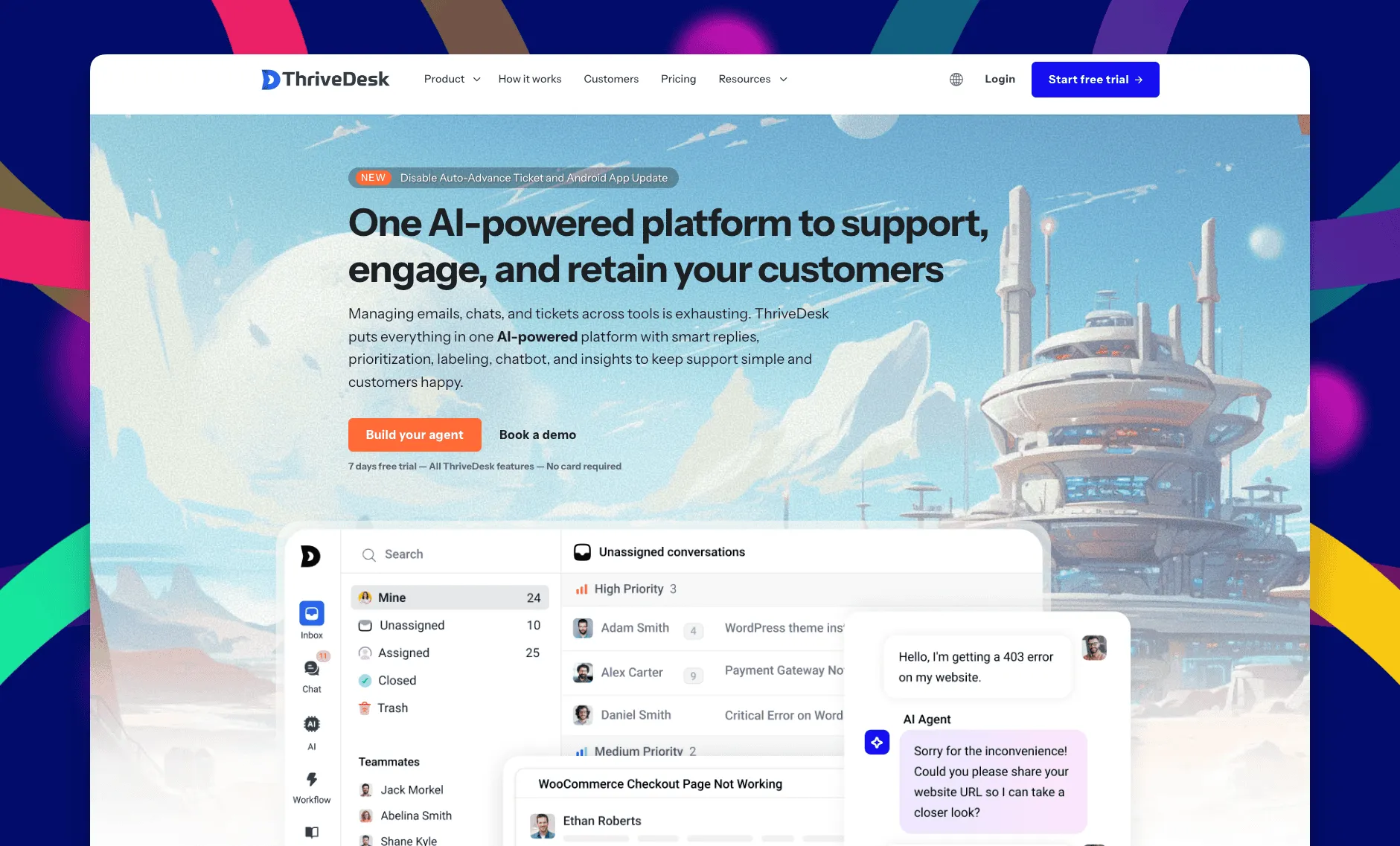
ThriveDesk is a help desk for ecommerce with a shared inbox, live chat, a help center and reports in one product. The team has built it since 2021, so it has more than five years in production. It is not vibe-coded software.
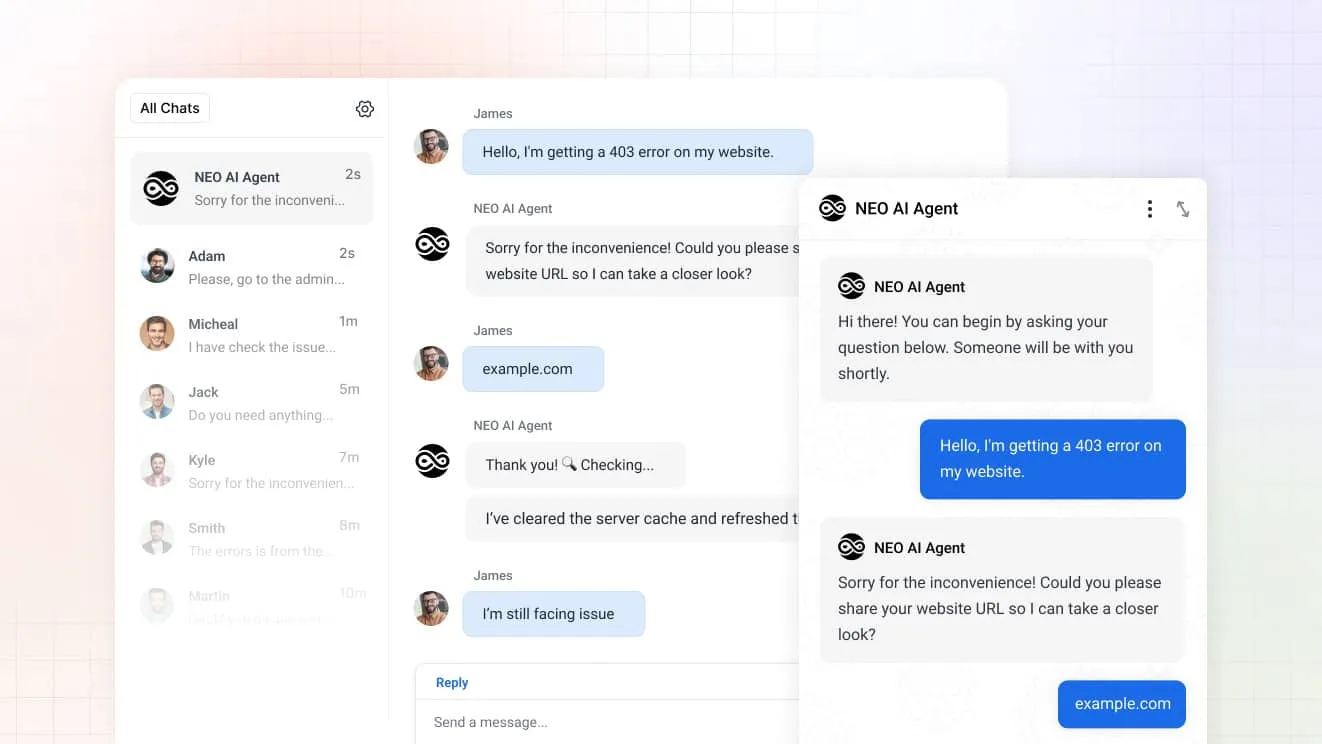
Neo is the AI agent. It answers customers around the clock. With the Shopify integration, Neo can look up an order, check tracking, update a shipping address or cancel an order within the limits you set. It hands anything else to a teammate. Your team sets escalation rules and trains Neo on your own content.
Copilot helps your agents. It writes one-click drafts in your tone, and the agent edits and sends them.
- Order context: Shopify and WooCommerce orders show next to each conversation.
- One inbox: email, chat and AI conversations land in the same place.
- AI actions: Neo uses tools to act on orders as well as answer questions.
- Reports: volume, response times and what Neo resolved.
TLS encrypts every public channel, staff use two-factor authentication, and ThriveDesk complies with the GDPR.
Best for: small and midsize stores that want flat pricing and an AI agent that acts on orders.
Limitations: no free plan. The trial lasts 7 days.
Basic costs $29 a month, or $19 a month billed annually, for two teammates and one inbox. Standard costs $69, or $49 billed annually, for five teammates and two inboxes. Unlimited costs $129, or $99 billed annually, with unlimited teammates and five inboxes. There is no per-resolution fee for Neo. Start with the 7-day free trial, no credit card needed. See ThriveDesk vs Zendesk for a head-to-head.
2. Gorgias: best for Shopify-first stores
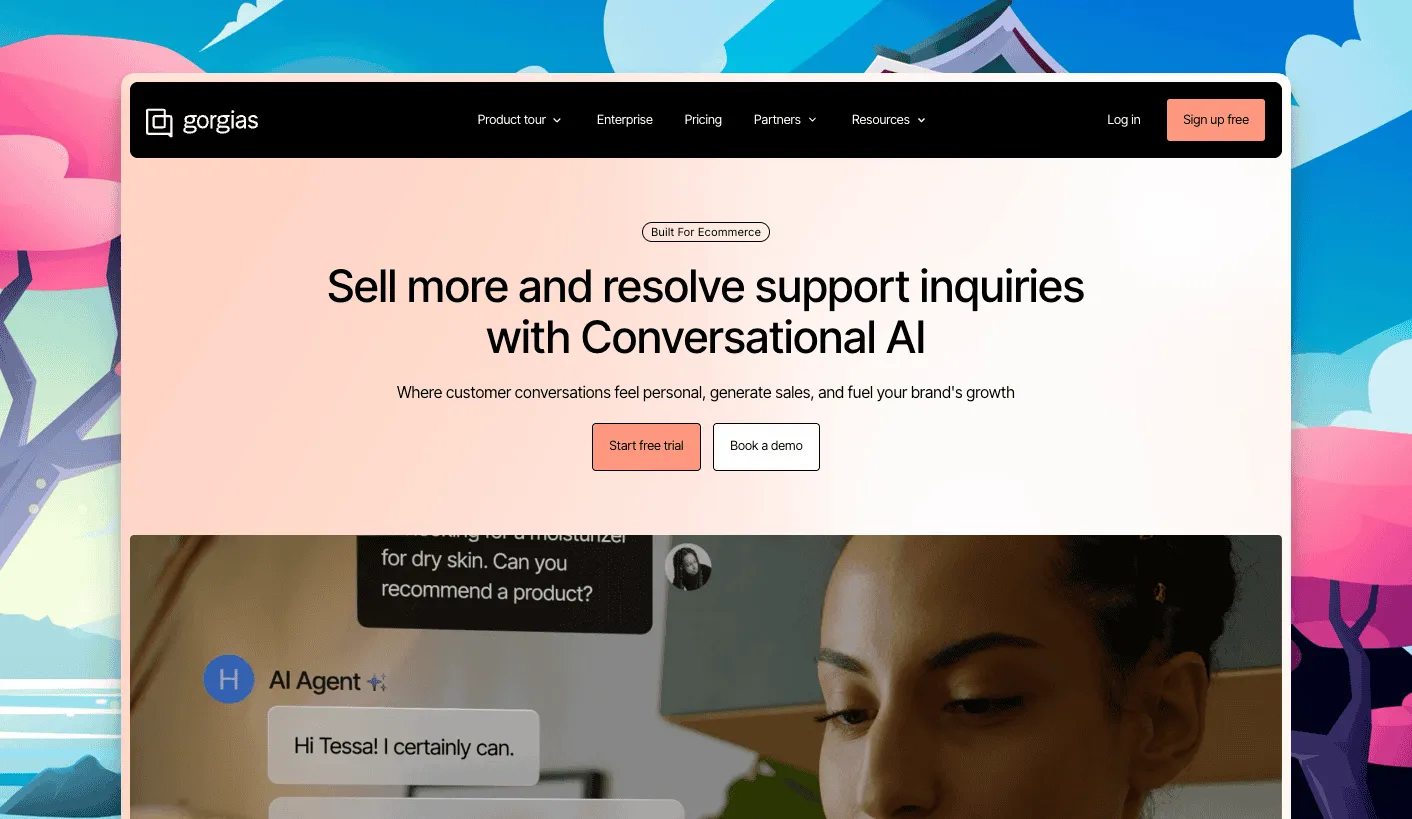
Gorgias is built around Shopify. It shows order details beside each ticket and lets agents act on an order from the conversation. That is why many Shopify stores pick it.
The cost follows your ticket volume. Starter costs $10 a month for 50 tickets, and extra tickets cost $0.40 each. Larger plans include more tickets. Its AI agent costs $0.90 per interaction on annual contracts and $1.00 on monthly contracts. Check the current price of the larger plans before you decide, because the vendor’s page shows two sets of figures for them.
Best for: Shopify stores with steady, predictable ticket volume.
Limitations: price rises with volume. A sale season can raise your bill. There is a 7-day trial and no free plan.
See ThriveDesk vs Gorgias for the full comparison.
3. Freshdesk: best for low per-agent pricing
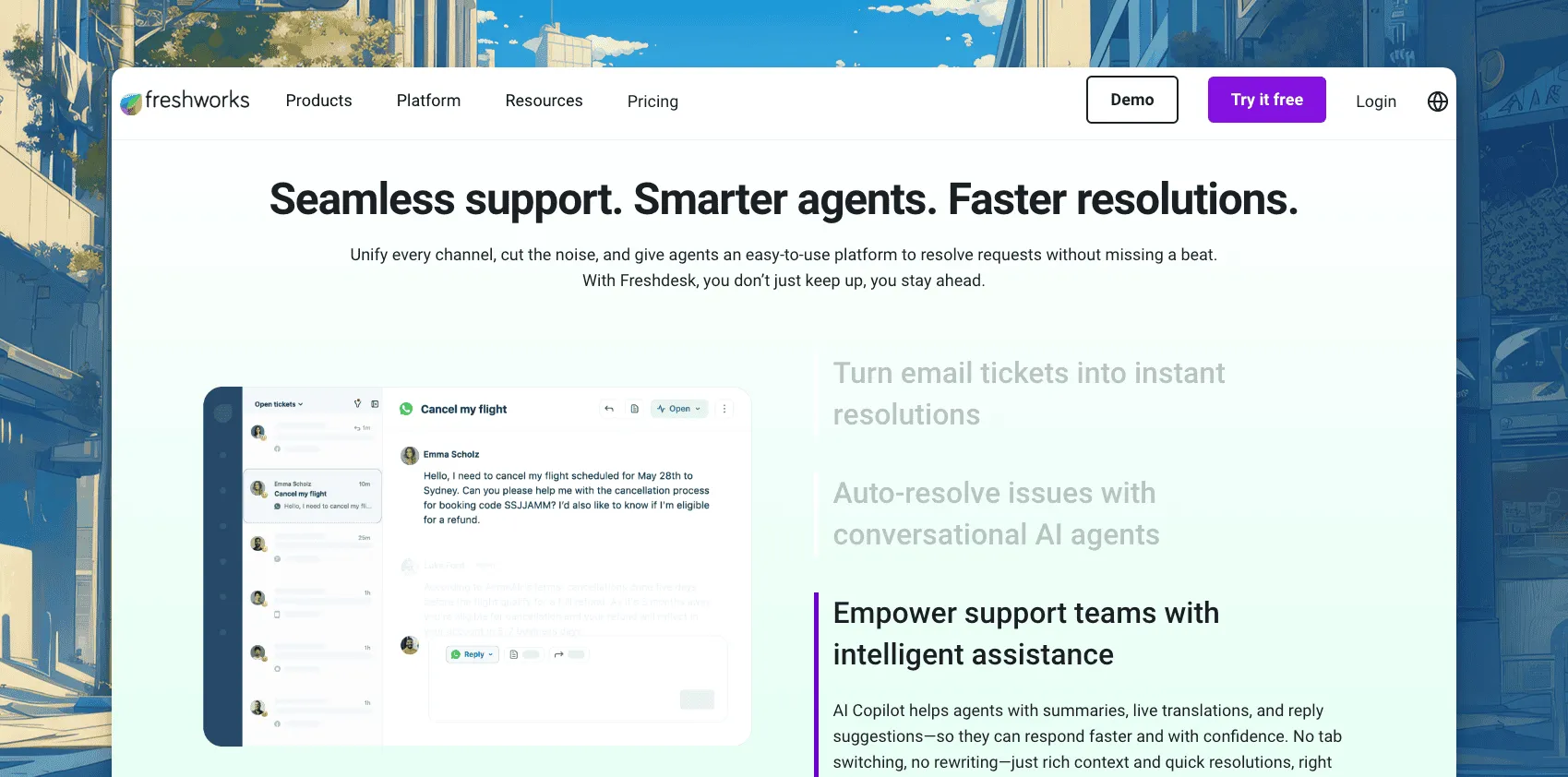
Freshdesk is a mature ticket system with a low entry price. Growth costs $19 per agent a month on annual billing. Pro costs $55 and Enterprise costs $89. The 14-day trial gives you access to the Enterprise plan.
Its Freddy AI Agent includes 500 free sessions, one time per account. More sessions cost $49 per 100. Freddy Copilot costs $29 per agent a month on Pro and Enterprise.
Best for: teams that want a low per-agent price and a full ticket system.
Limitations: AI costs extra after the first sessions. The vendor’s page lists no free plan.
Our ThriveDesk vs Freshdesk page covers the wider choice.
4. Help Scout: best for a simple shared inbox
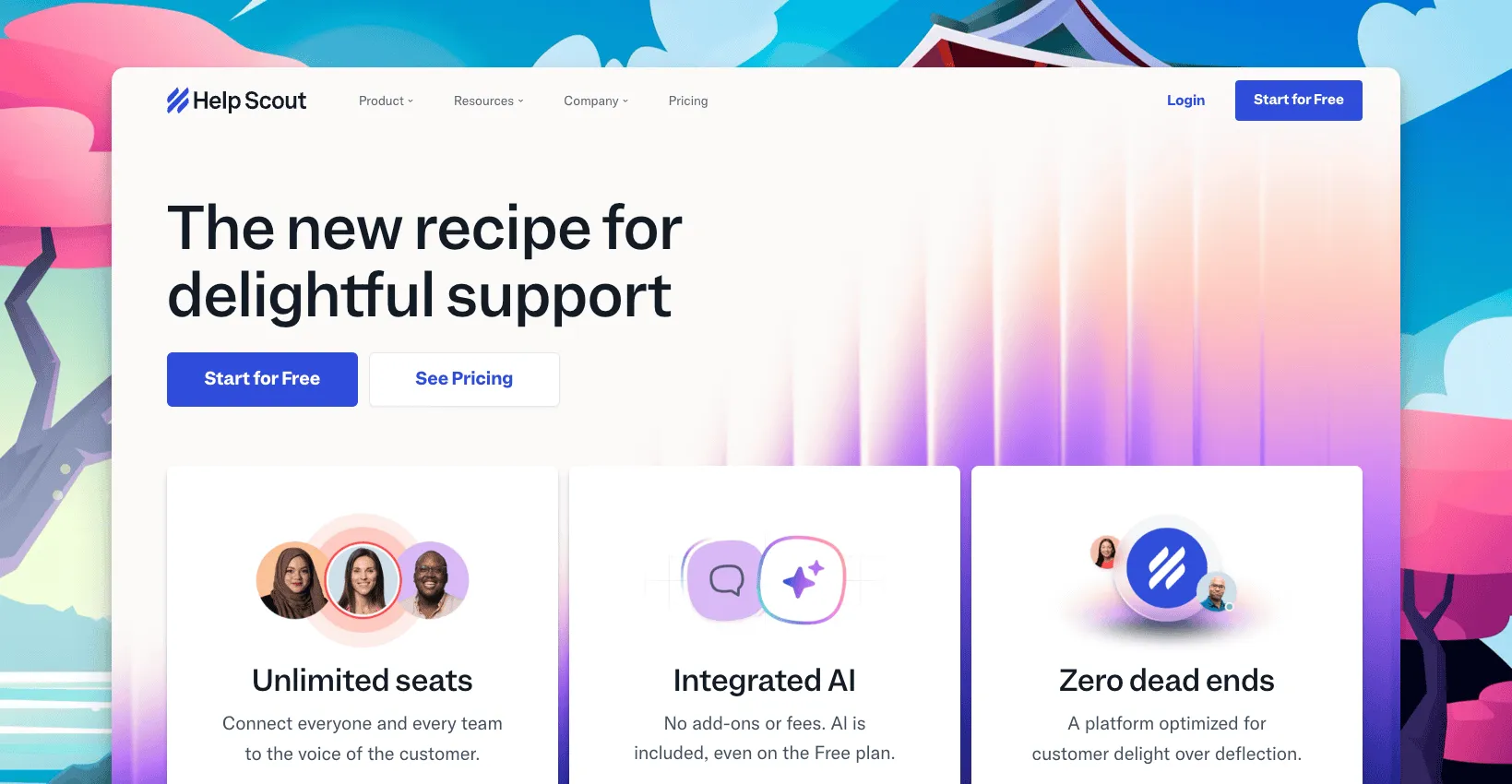
Help Scout keeps support close to email. Conversations look like a shared inbox, with notes and assignment on top. A new agent needs little training.
The Free plan covers 5 users, 1 inbox and 1 Docs site. Standard costs $25 per user a month, Plus costs $45 and Pro costs $75. Pro needs at least 10 users. The AI agent costs $0.75 per resolution on paid plans.
Best for: small teams that want a calm, email-style inbox.
Limitations: per-user pricing grows with your team. Per-resolution AI fees add to the bill.
See ThriveDesk vs Help Scout for the details.
5. Zendesk: best for growing teams that need depth
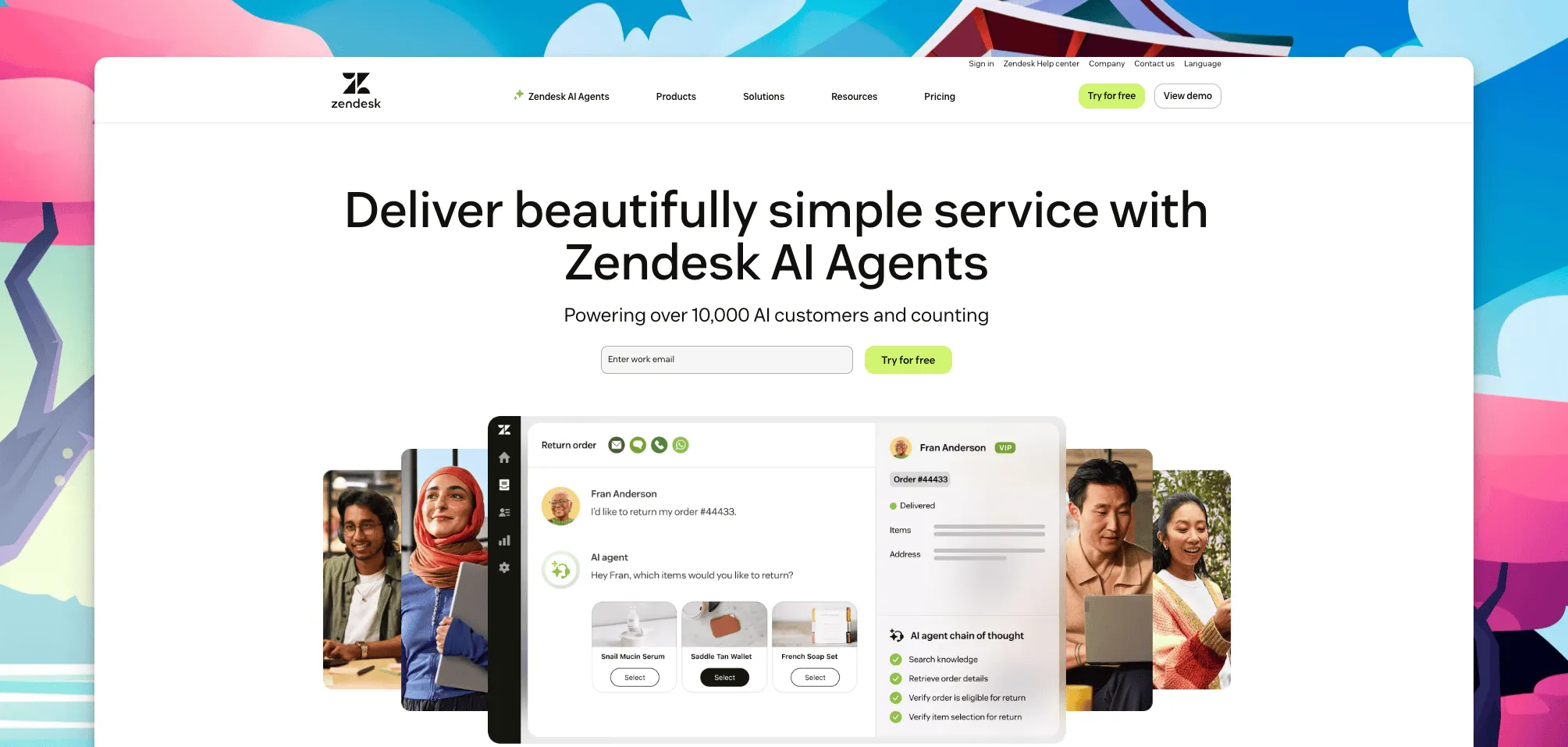
Zendesk is the large option. It has deep ticket routing, reports and many channels. It suits teams that expect to grow into several departments.
Support Team costs $19 per agent a month on annual billing, or $25 billed monthly. Suite Team costs $55, or $69 monthly. Each plan includes 5 automated resolutions per agent a month. After that, resolutions cost $1.50 each on a commitment, or $2.00 pay as you go.
Best for: teams that need advanced routing and expect to scale.
Limitations: setup takes more effort, and a small team may not use most features. AI resolutions add cost.
6. Zoho Desk: best for Zoho users and a free start
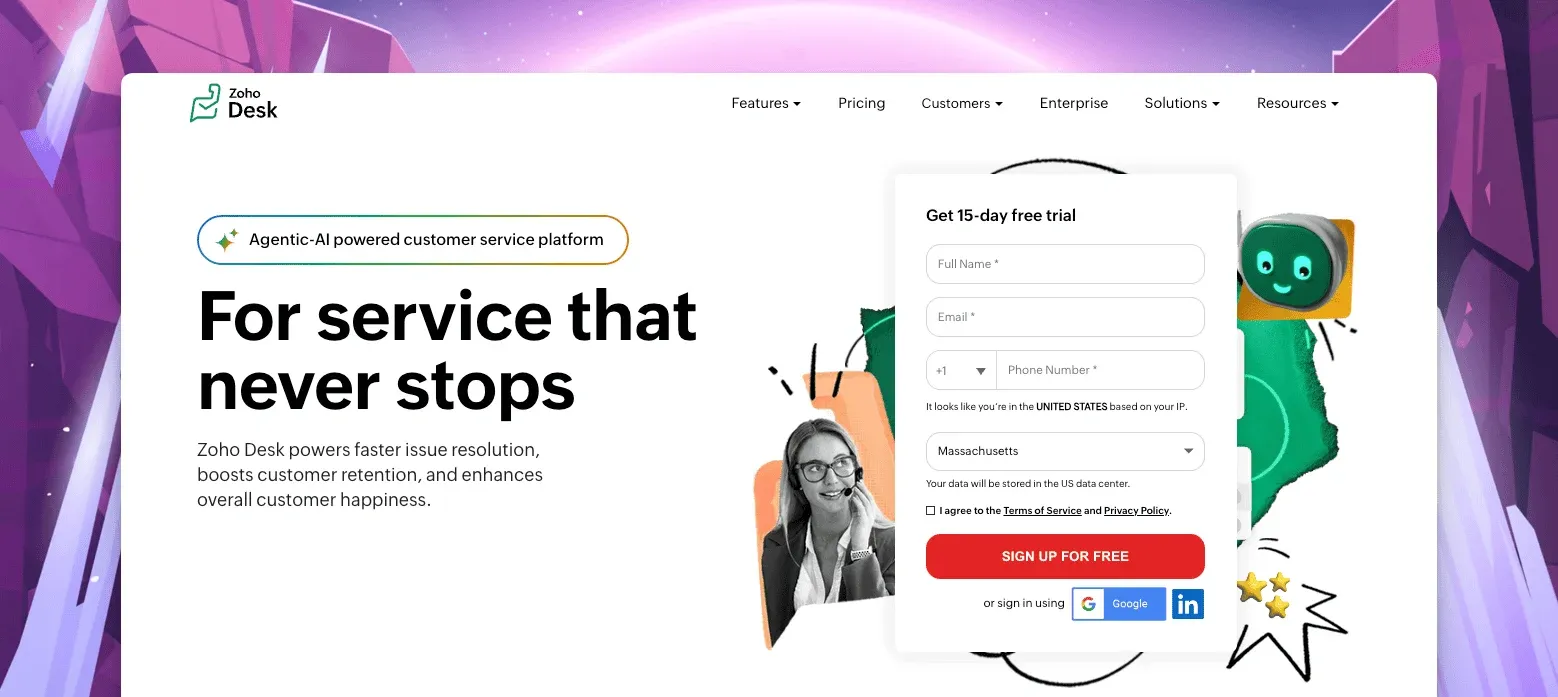
Zoho Desk fits teams that already use Zoho CRM or Zoho Books. It has a free edition for 3 users. Paid editions are priced per user, and the vendor’s page shows the price in your local currency. Check the current price on the page for your country.
Best for: teams in the Zoho ecosystem and small teams that want to start free.
Limitations: paid editions are priced per user, so the cost grows with your team.
7. eDesk: best for marketplace sellers
eDesk is built for ecommerce sellers who also sell on marketplaces. Essential costs $45 per seat a month on yearly billing, or $55 monthly, and covers 1 store or marketplace. Growth costs $99 per seat on yearly billing and covers 5. Professional costs $129 and covers 10. The AI agent costs $0.99 per outcome. The trial lasts 14 days with no credit card.
Best for: sellers who answer customers across several marketplaces and stores.
Limitations: the per-seat price is higher than most tools here. Enterprise is quote-only.
8. Front: best for multichannel teams
Front combines email, SMS and chat in a shared workspace. It suits teams that work with colleagues in sales or operations.
Starter costs $25 per seat a month on annual billing, with up to 10 seats and one channel type. Professional costs $65 and Enterprise costs $105. Autopilot, the AI agent, starts at $0.39 per conversation. Copilot costs $20 per seat a month on Starter and Professional.
See ThriveDesk vs Front.
Best for: teams that share conversations across departments.
Limitations: Starter limits you to 10 seats and one channel type.
9. Hiver: best for teams that work in Gmail
Hiver sits inside Gmail. Your team keeps its mail client and gains assignment and shared views. That keeps change small for a lean team.
Growth costs $25 per user a month, Pro costs $55 and Elite costs $85, at the lower listed rates. The monthly rates are $35, $65 and $95. There is no free plan. A 7-day trial gives access to Elite with no credit card.
Best for: teams that live in Gmail and want little change.
Limitations: it ties your workflow to Gmail. Check how it shows store orders before you buy.
10. HubSpot Service Hub: best for a free start with CRM
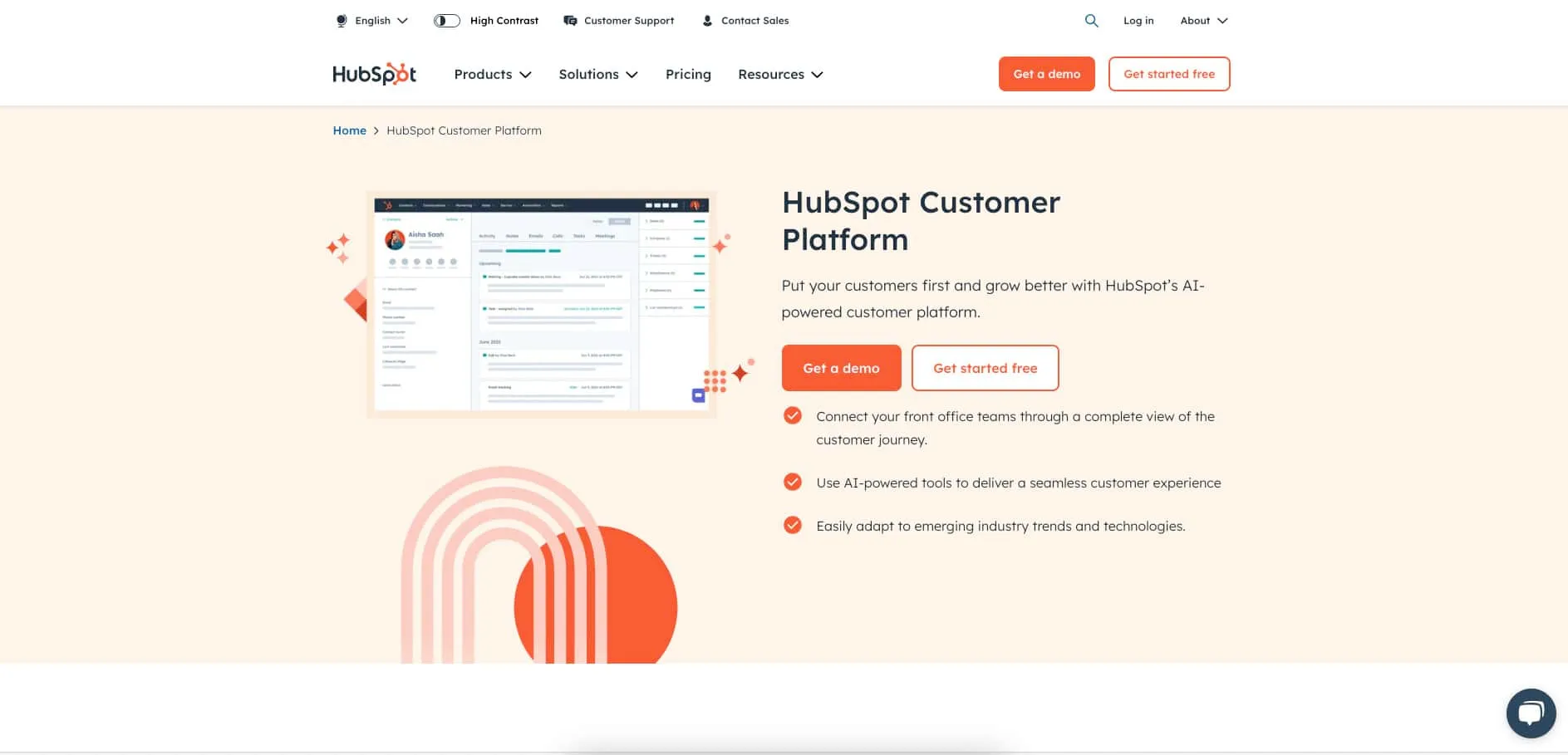
HubSpot Service Hub works best if you already use HubSpot CRM. The free plan covers up to 2 users. It includes live chat with HubSpot branding, a few canned snippets and basic reports.
Paid Starter plans start at $7 per seat a month. Professional starts at $90 per seat a month and has a $1,500 one-time onboarding fee. The jump between tiers is large. Plan it before you outgrow the free plan.
Best for: teams that want customer records and support in one tool.
Limitations: the price rises quickly after the free plan, and the free chat widget shows HubSpot branding.
Free plans and trials
Three tools here have a free plan. Help Scout covers up to 5 users, HubSpot Service Hub covers up to 2 users and Zoho Desk covers 3 users. Free plans have tight limits, so check them against your ticket volume. They suit a store that gets a few requests a day.
Trials let you test with real tickets. ThriveDesk, Gorgias and Hiver give 7 days. Freshdesk and eDesk give 14 days. ThriveDesk needs no credit card. Import a week of real conversations during the trial. Then check how each tool shows your orders and how fast your team answers.
How to choose help desk software now that AI agents do the work
AI agents now take over much of the routine work in support. They answer common questions, route and tag conversations, look up orders and, through actions, process refunds. This reduces manual work for your team. Executives push for it: 91% of service leaders report pressure to implement AI. Customers want a safety net: 87% say a path to a human agent is essential when a company uses GenAI. The AI also changes what you should check before you buy.
Ask these questions:
- Is the AI built into the help desk? A bolted-on bot often cannot see your orders or your history.
- Can a person take over? Look for clear handoff rules and a full conversation history for the agent.
- Is it trained on your content? The AI should answer from your policies and help center, not from guesses.
- How is AI priced? A flat plan has a fixed cost. Per-resolution fees rise with your busiest month.
- Has it run under load? Ask for the uptime history and for examples of peak-season volume.
- Is your data safe? Ask about security practices, data export and how large the vendor’s support team is.
How to spot vibe-coded software
Some new tools are put together fast with AI code generators. A good demo can hide a thin product. Watch for no public uptime history, no track record with customers, little security detail and no way to export your data. The company may also be too new to know if it will exist next year.
Cheap software of this kind can cost a business more. Lost tickets leave customers without an answer. An outage in a sale season stops support when volume peaks. A data leak exposes customer details. Moving your history later costs time and money.
ThriveDesk has run since 2021 and has an established customer base. It is not vibe-coded software, and it handles large support loads. Neo, Copilot, the shared inbox, live chat, help center and reports work in one product.
How to choose the right help desk for your store
- Shopify store with steady volume: Gorgias or ThriveDesk. Compare ticket-based and flat pricing against your monthly volume.
- WooCommerce or WordPress store: ThriveDesk, or see the best help desk plugins for WordPress and WooCommerce help desk plugins.
- Email-first team that works in Gmail: Hiver or Help Scout.
- Marketplace seller: eDesk.
- Growing team that needs routing and depth: Zendesk or Freshdesk.
- Very small team that needs a free start: HubSpot, Zoho Desk or Help Scout.
If you also want an assistant to work in your inbox, read help desk software with MCP support.
What help desk software costs for a five-person team
Per-agent prices look small. Multiply them by your team. On annual billing, five agents cost about $95 a month on Zendesk Support Team or Freshdesk Growth. They cost $125 on Help Scout Standard, Front Starter or Hiver Growth. On eDesk Essential they cost $225. Zendesk Support Team billed monthly costs $125.
| Item | Monthly cost |
|---|---|
| ThriveDesk | $49 (Standard, 5 teammates, flat) |
| Zendesk | $95 (Support Team, 5 agents at $19) |
| Freshdesk | $95 (Growth, 5 agents at $19) |
| Help Scout | $125 (Standard, 5 users at $25, listed price) |
| Front | $125 (Starter, 5 seats at $25) |
| Hiver | $125 (Growth, 5 users at $25, lower listed rate) |
| eDesk | $225 (Essential, 5 seats at $45) |
Prices checked on each vendor's pricing page on 17 November 2026. AI fees, add-ons and ticket overage are not included.
ThriveDesk Standard costs $49 a month billed annually, or $69 billed monthly, for five teammates. Unlimited costs $99 a month billed annually, however large the team. These totals leave out AI fees, add-ons and ticket overage. Test your own numbers with the help desk cost calculator.
How to set up ThriveDesk as your help desk
Do the steps in order. Each step names the menu and the labels you will see in the app.
1. Sign up and create your workspace
Go to the ThriveDesk sign-up page. The trial lasts 7 days and needs no credit card. Fill in “First name”, “Last name”, “Email”, “Password” (8 characters minimum) and “Workspace name”. You can also choose “Continue with Google” or “Continue with Microsoft”.
The “Domain” field fills in from your workspace name. Email sent to that address reaches your inbox. You add your own domain later, in step 2.
Click “Sign Up”. Open the verification email, confirm your address, then sign in. A short survey follows. It asks about your industry, your store platform and your current support tool. Answer it and click “Save and continue”. The dashboard then shows a “Get set up” checklist that covers the next steps.
2. Connect your support email
Go to “Settings”, then “Channels”, then “Inboxes”. Click “New inbox” to create one, or click “Manage” on the inbox you have. Open the “Connection” tab and click “Connect now”.
- Enter your custom email address: type your support address, for example support@yourstore.com. Do not use a public domain such as Gmail or Outlook. Click “Send Code”.
- Look for an email from ThriveDesk: enter the 6-digit code and click “Verify”.
- Forward email to ThriveDesk: copy the ThriveDesk address shown on the screen. In your email provider, forward your support mail to that address. The screen links to guides for Google Workspace, Outlook, Zoho Mail and cPanel.
Click “Check Inbox” when forwarding is on. If the page shows a “Verify Forwarder” button later, click it. ThriveDesk sends a verification email.
To send replies from your own address, add DNS records. The “Connection” tab lists them under “Add DNS records” with a type, a hostname and a value. Add each record at your DNS host, then click “Verify”. If you use Cloudflare, turn off the proxy for these records.
3. Add live chat to your store
Go to “Settings”, “Channels”, “Assistants”, then click “New Assistant”. Enter an “Assistant name”, choose an inbox under “Select inbox”, and click “Create”. Then click “Customize Assistant”. The editor saves your changes by itself.
- Customization: upload a “Logo”, set a “Brand color”, choose a “Launcher” style and write the “Greeting”.
- Home widgets: turn on “Enable live chat”. Turn on “Require email?” if you want an address before the chat starts. Turn on “Enable docs” to show your help center in the widget.
- Installation: copy the “Web snippet” with the “Copy” button. Paste it above the closing body tag on every page where you want chat.
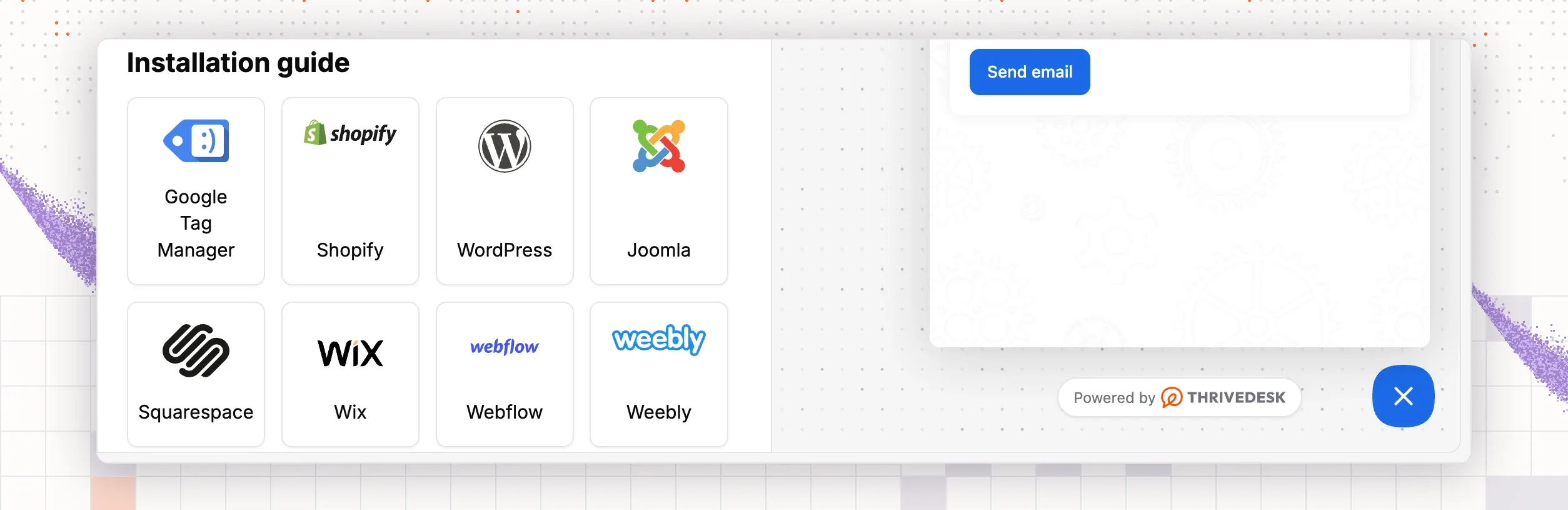
The same tab links to install guides for Shopify and WordPress. Follow the one for your platform.
4. Invite your teammates
Go to “Settings”, “Workspace”, “Teammates”. Click “Invite teammates”. Enter the “Email”, choose a “Role”, then pick the inboxes under “Add teammates to this inbox”. The roles are “User” and “Admin”. Each invitee gets an email with a link to accept.
To change what each role can do, open “Roles & Permission”. It has one tab for Administrator and one for User. The pending invitations show on the “Teammates” page, with a “Copy invitation link” button.
5. Connect your Shopify or WooCommerce store
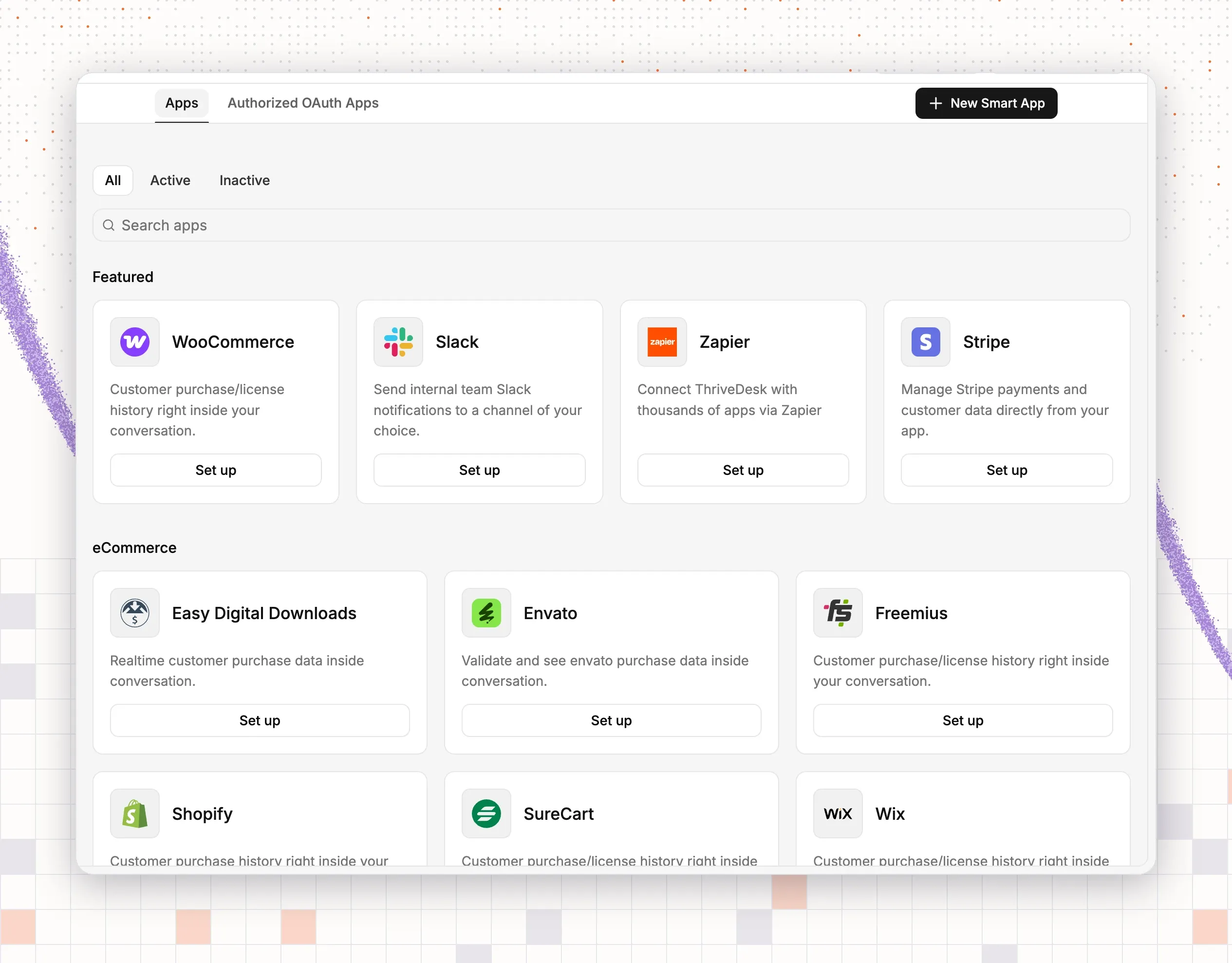
Go to “Settings”, “Integrations”, “App Store”. Open “Shopify” or “WooCommerce” and click “Install now”.
For Shopify, the dialog sends you to the Shopify app store. Search for ThriveDesk, click “Add app” and approve the access. You return to ThriveDesk, where the “Connect your store” dialog asks for a “Label” and the “Inboxes” to use. Click “Connect”.
For WooCommerce, install the ThriveDesk Helpdesk plugin in WordPress. Go to “Plugins”, “Add New”, search for ThriveDesk, then install and activate it. Open the “ThriveDesk” menu in WordPress and connect WooCommerce. Back in ThriveDesk, click “Save”, then “Back to store”. The form has permission settings for agents: “Status”, “Cancel”, “Update” and “Refund”. Grant only what your team needs.
After you connect, the right side of each conversation shows the customer’s orders. Shopify shows the lifetime order total, the average order and recent orders. WooCommerce also shows order dates, totals, shipping details and a tracking link.
6. Set up tags, saved replies and workflows
Go to “Settings”, “Channels”, “Tags” and click “Add new tag”. Enter a “Tag name”, pick a color and click “Create”. Start with the topics you answer most, such as shipping and returns.
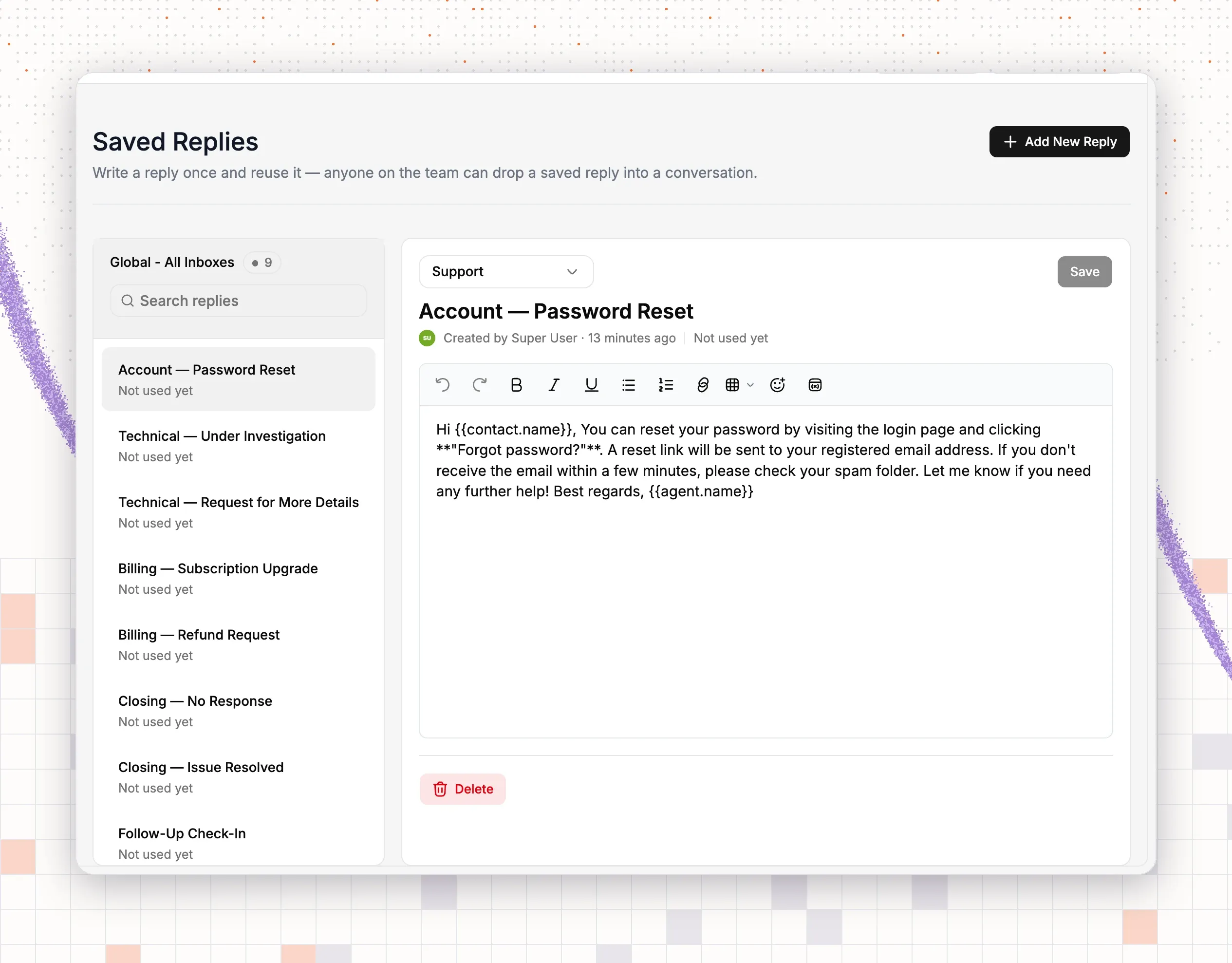
Go to “Saved Replies” and click “Add New Reply”. Choose the inbox, name the reply and write the message. The editor offers variables for the inbox, the conversation and the contact. Click “Save”.
Next, open “Workflow” in the left bar and click “Add workflow”. Choose “Start from scratch” or “Start from a template”. The templates cover routing, auto-assign and ecommerce topics, such as “Where is my order?” and “Refunds & returns”. A routing rule has three parts:
- When: New Conversation Created.
- If: for example, “Subject” contains “refund”.
- Then: for example, “Assign To” a teammate and “Add tag”.
Name the workflow and click “Save workflow”. Use the active toggle in the list to turn it on or off.
7. Set up your help center
Click “Docs” in the left bar, then “Create help center”. You can also go to “Settings”, “Help Center”, “New help center”. Enter a “Name”. The “Domain” fills in as a subdomain of thrivedeskdocs.com. Under “Who can publish”, add the teammates who write articles. Turn on “Private help center” only if the articles are for members. Click “Create help center”.
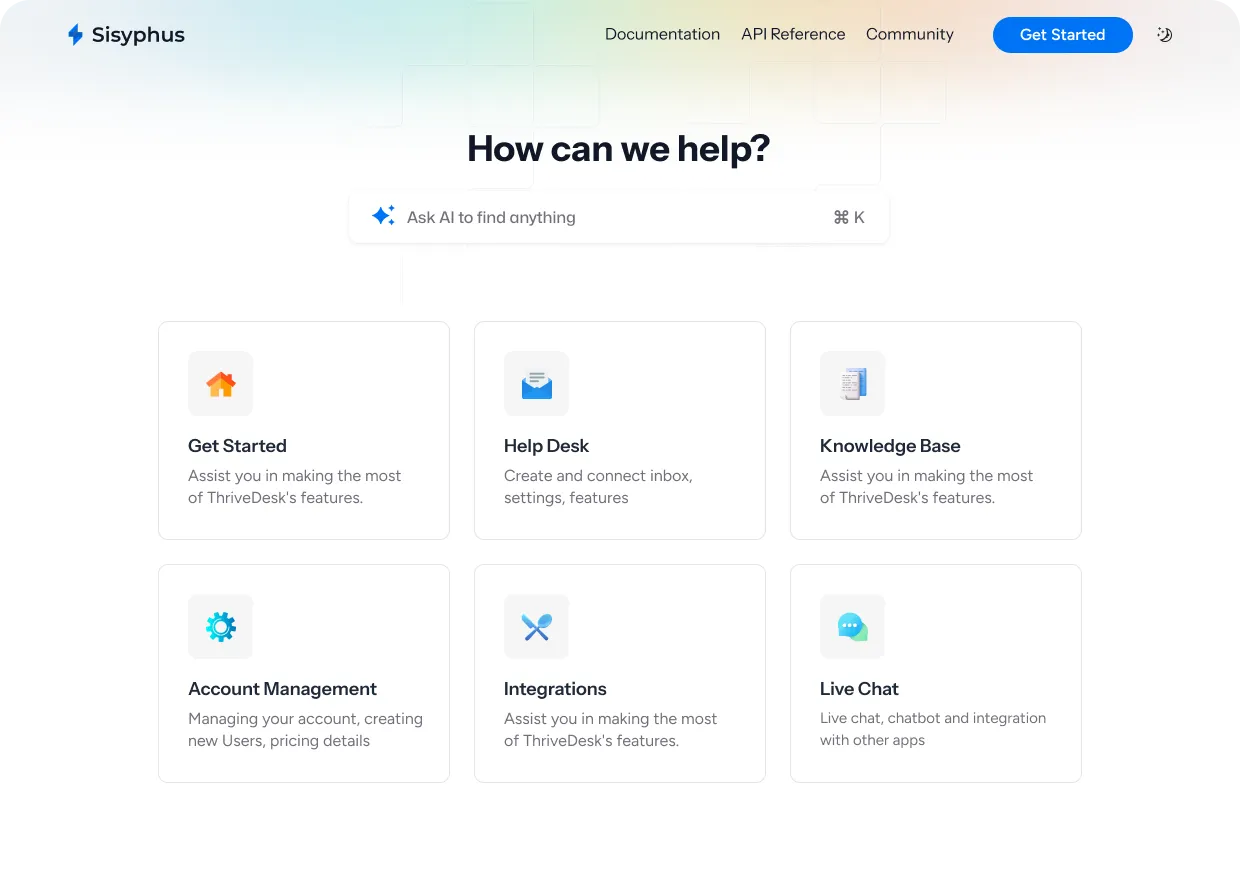
Click “Open help center” to write categories and articles. Then go back to your chat assistant. Under “Home widgets”, open “Docs”, turn on “Enable docs” and pick the help center under “Select doc site”.
8. Turn on the AI agent
Click “Neo” in the left bar. Pick the inbox in the top bar. Under “Train”, add the sources Neo answers from:
- Q&A: write a “Question” and an “Answer” for policies such as returns.
- File: upload PDF, Word, Excel or text files, up to 10 at a time.
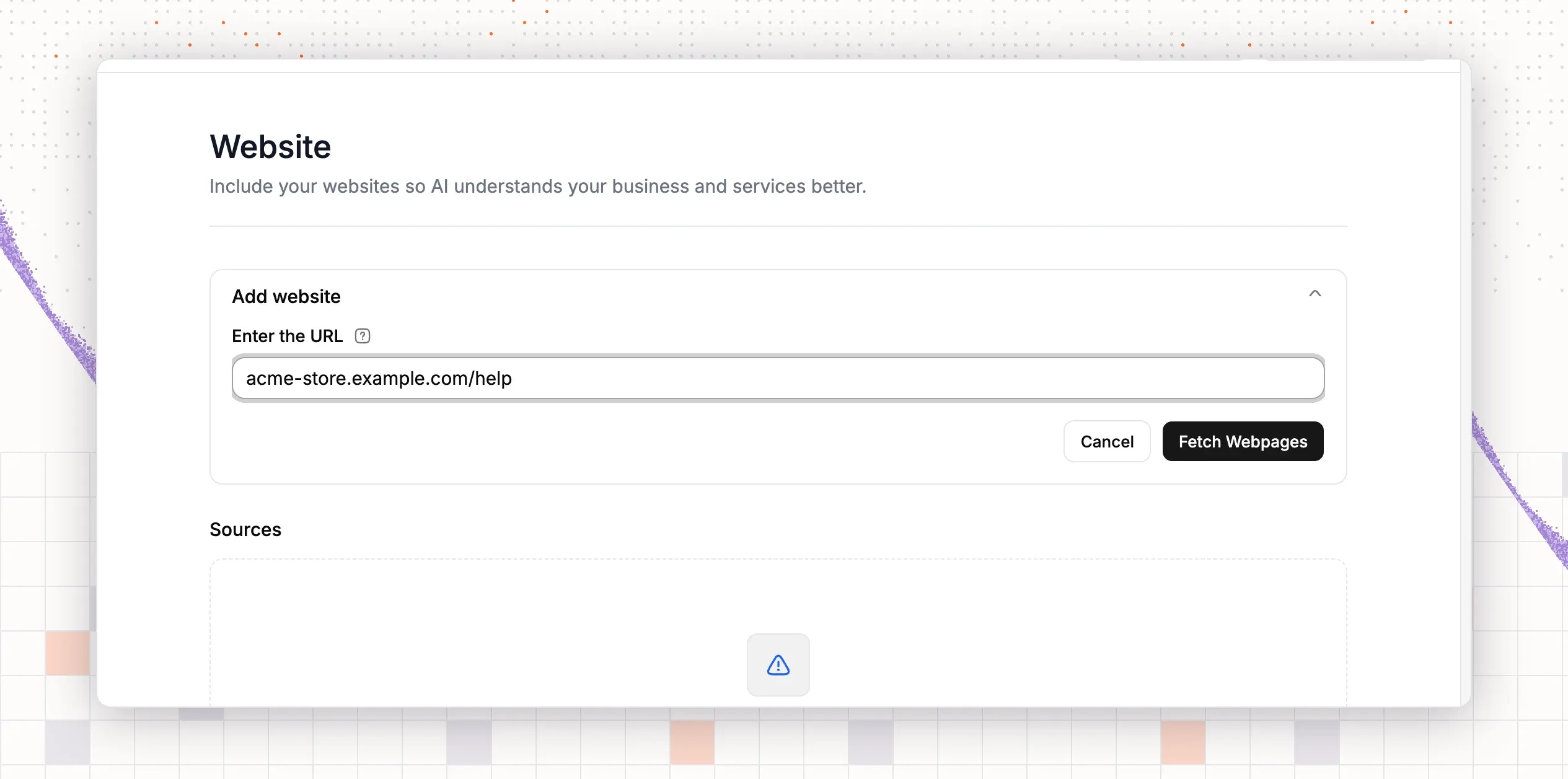
- Website: enter your store address, click “Fetch Webpages”, choose the pages and click “Start Syncing”.
- Doc: switch on the help center articles Neo may use.
Open “Handoff & Escalation”. Write the “Handoff message” that customers see when a person takes over. Click “Add rule” to hand over when a customer asks for a person, uses certain keywords or sounds upset. Set who gets the conversation and which tag to add.
To use Neo in chat, open your assistant, go to the “NEO” tab and turn on “Enable NEO”. Choose a name, a tone and an answer length. To use it in email, go to “Deploy”, “Email” and turn on “Auto reply”. For order lookups, add an order action under “Actions”. It needs the Shopify or WooCommerce app from step 5.
Use “Preview & Simulations” to test questions before customers see answers.
9. Move over from your old help desk
Free migration is available when you pay for an annual plan. ThriveDesk does the move for you. It covers Intercom, Help Scout and Zendesk, and Freshdesk is coming soon. Read the migration guide for the data that moves and the steps to follow.
10. Send a test ticket
Send an email from a personal address to your support address. Open “Inbox” in the left bar. The message appears as a conversation. Open it, check that the order panel lists the customer’s orders if the email matches a store customer, and send a reply.
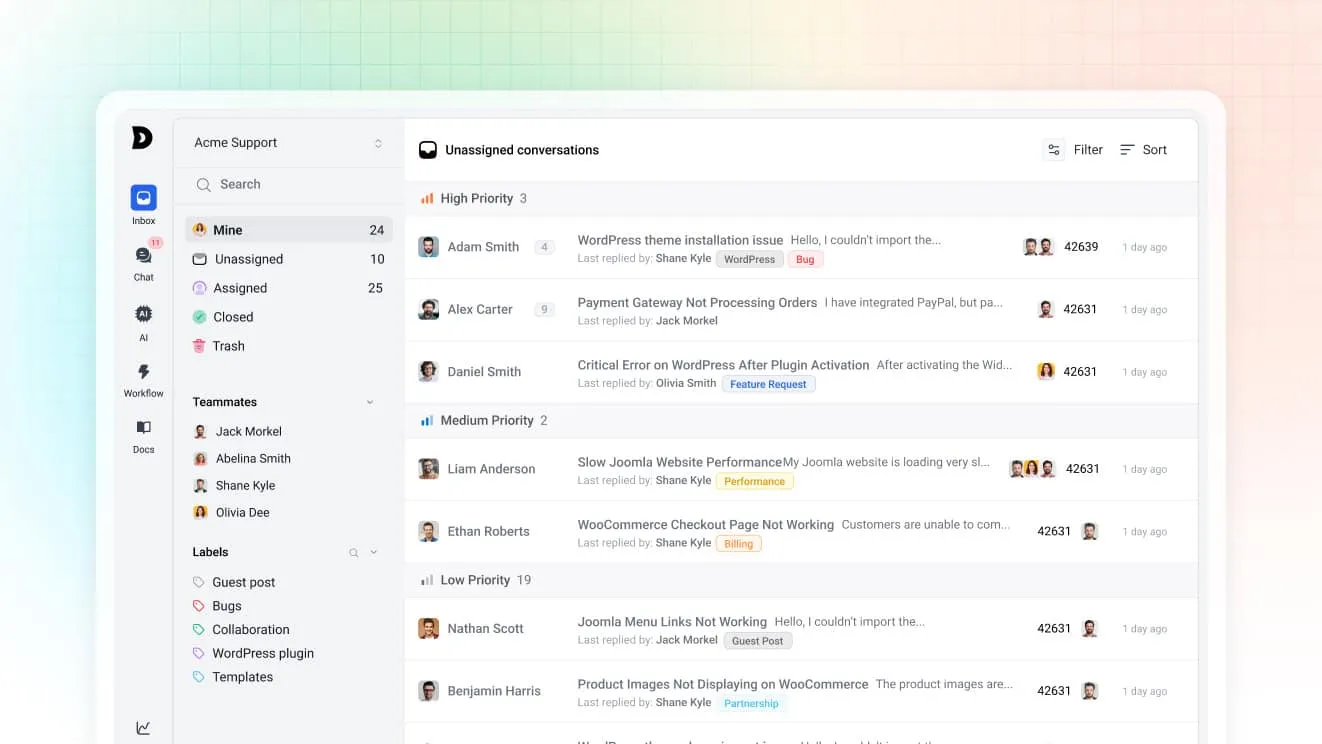
Then open your store and send a chat message through the widget. Check that it lands in the inbox you chose. Finally, ask Neo a question that your sources answer. If all three arrive where you expect, the help desk is ready.
Why teams choose ThriveDesk for a small store
A small store needs a help desk that stays affordable in a busy month and runs without an administrator. ThriveDesk is built for that.
- Flat pricing: plans start at $29 a month, or $19 billed annually. Unlimited has no per-seat charge, so your bill stays the same as the team grows.
- AI that acts on orders: Neo answers customers, looks up Shopify and WooCommerce orders and acts within the limits you set. There is no per-resolution fee.
- A human in the loop: Copilot writes drafts in your tone, and escalation rules send hard cases to your team.
- One place for everything: shared inbox, live chat, help center and reports share one workspace, so nobody works in two tools.
- A track record: the team has built ThriveDesk since 2021. It has an established customer base and is not vibe-coded.
TLS encrypts every public channel and staff use two-factor authentication. ThriveDesk complies with the GDPR, and your plan covers shared inbox, live chat, help center and reports in one price. Basic costs $29 a month, Standard $69 and Unlimited $129, or $19, $49 and $99 billed annually. Start with the 7-day free trial, no credit card needed.