The best help desk software with MCP support lets your assistant work on real conversations. Copying an email into Claude still leaves you finding the customer history, checking the order, and pasting the reply back. A shared inbox with an MCP server can give the assistant that context and permission to act.
Our picks for 2026 are: 1) ThriveDesk, for replies, live chat, and reports; 2) Front, for multichannel work; 3) Plain, for B2B support in Slack; 4) Gorgias, for Shopify analysis; 5) Freshdesk, for ticket and article tools; 6) HubSpot Service Hub, for CRM context; 7) Help Scout, for read-only research; 8) Intercom, for research and internal notes; 9) Zoho Desk, for workflows across Zoho apps; and 10) Crisp, for inbox actions with token authentication.
We reviewed vendor documentation on September 21, 2026, rather than running a hands-on benchmark. ThriveDesk is our product. The ranking weighs support workflow fit and access requirements; it isn’t a score of tool counts alone.
What MCP support means in a help desk
MCP, the Model Context Protocol, is an open standard that lets an AI assistant call tools outside itself. A help desk’s server exposes actions such as searching a conversation or sending a reply. The protocol separates clients from servers: your assistant connects as a client; the help desk provides the tools.
A server can be useful without sending messages. Reading customer history or pulling a report may be all you need. But a draft in the assistant’s chat is different from a reply delivered to the customer, and an internal note is different again.
An MCP client inside a help desk works in the other direction. It lets that help desk call external servers. Zendesk’s client, for example, brings outside tools into its action flows. That feature alone doesn’t expose Zendesk conversations to Claude.
How we evaluated
We checked each vendor’s published server documentation against five questions:
- Is it vendor-maintained? Who operates the connection and documents its limits?
- Can it send replies? We separated customer messages from drafts, notes, and record updates.
- Who gets access? Which plans, regions, and account permissions apply?
- What does setup require? A directory connector, an OAuth app, or an API key?
- What controls actions? We looked for permission scopes, attribution, revocation, and usage limits.
“Not documented” means the reviewed page doesn’t confirm a capability. It doesn’t prove the product cannot do it. Plan entitlements and client approval settings still need checking in your own account.
The 10 best help desk software with MCP support in 2026
1. ThriveDesk: best for replies, live chat, and reports
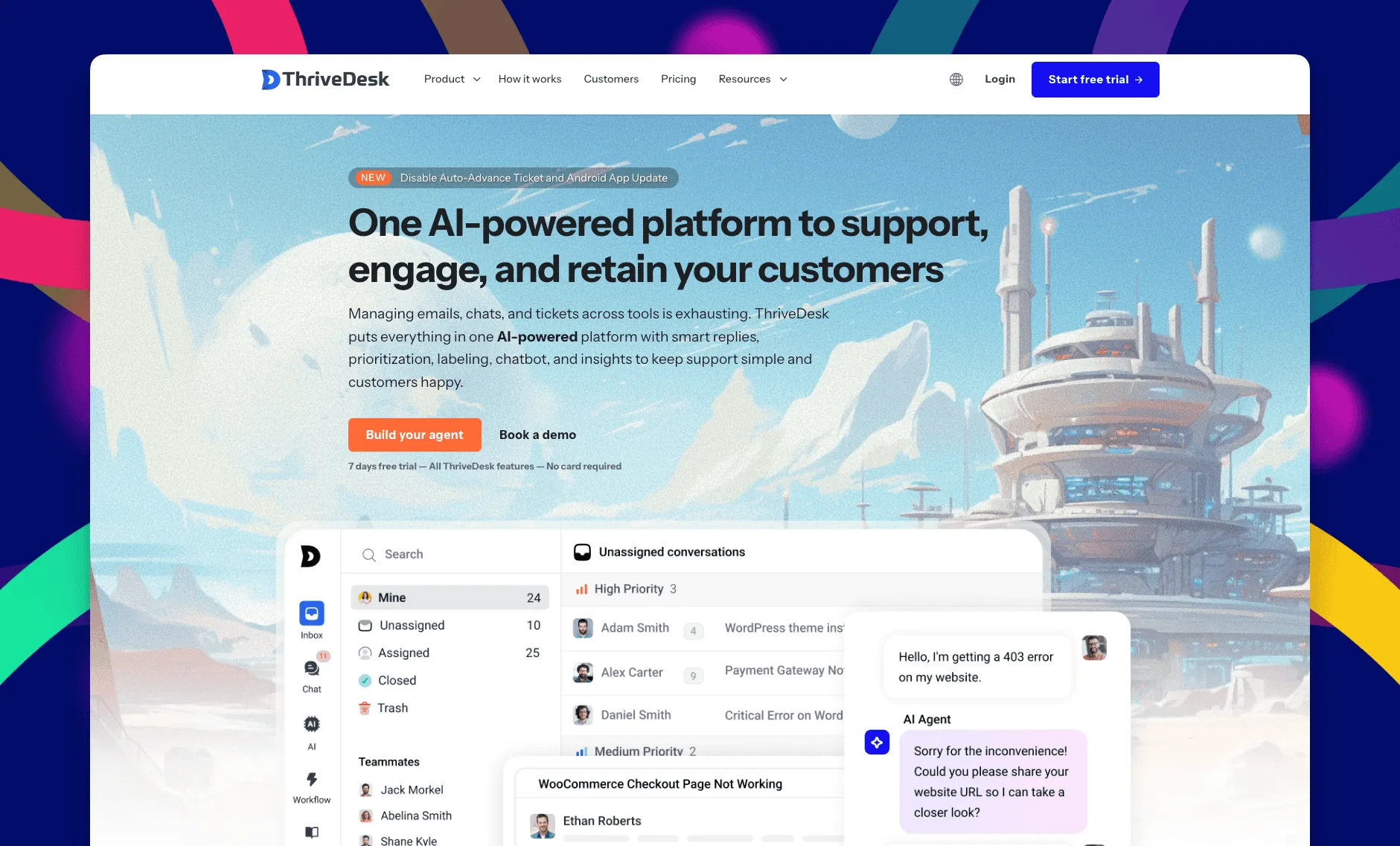
ThriveDesk is AI customer service software for ecommerce: an agentic omnichannel helpdesk, intelligent chatbot, modern help center and powerful reporting, plus Neo, the AI agent that answers customers around the clock. Its MCP server is one address, https://mcp.thrivedesk.com, and it is the same for every customer. Add it to a supported assistant, sign in on the ThriveDesk approval page, choose a workspace, and pick how much access to grant. You don’t need to generate an API key.
Its 28 actions cover conversations, contacts, live chat, reports, and knowledge base search. The assistant can reply, add a note, save a draft, schedule a reply, change status, snooze, assign, tag, and update custom fields. It can also accept and answer a live chat or pull an agent’s resolution counts for a date range.
The approval page offers Read-only, Standard, and Full access presets, with individual permissions underneath. These presets control the connection; they aren’t subscription plans. Your role and inbox membership still apply, so a connection cannot grant access you don’t hold yourself.
Replies, notes, and assignments appear under your name. Sending actions accept a request key to prevent duplicate sends when the same request is retried. The server limits usage to 60 actions a minute, and you can revoke a connection under Apps.
A useful first task is to list open conversations in Billing, then save a draft for one you recognize. Review it in the inbox before granting permission to send. Search for visible ticket numbers such as #2841 first; they aren’t the internal IDs used by the tools.
Best for: teams that want an assistant to handle support work across email and live chat, with a separate permission grant for each person.
Limitations: MCP requires Standard or Unlimited. Basic doesn’t include it, and each connection covers one workspace. Agencies need separate connections for separate workspaces.
Standard costs $69/month, or $49/month billed annually, for five teammates and two inboxes. Unlimited costs $129/month, or $99/month billed annually, with unlimited teammates and five inboxes. These plan prices were checked against ThriveDesk’s pricing page on September 21, 2026. See the MCP setup guide for supported clients.
2. Front: best write access for multichannel teams (beta)
Front’s server can search and read conversations across channels, draft and send replies, post internal comments, tag, assign, and change status. It can also search and update contacts. That makes it useful when support shares conversations with sales or operations.
Claude users can connect through Front’s official directory listing without creating a developer app. A managed workspace may still need its administrator to allow the connector. For a custom connection, a Front admin creates an OAuth app and configures the read, write, and send scopes. Each teammate’s own permissions narrow that access further.
Best for: teams handling email, SMS, and chat in Front who want replies to stay on the conversation’s original channel.
Limitations: the server remains in open beta. Custom clients must support Front’s authentication requirements; its developer guide explicitly excludes Codex and clients that require dynamic client registration.
See ThriveDesk vs Front for the wider comparison.
3. Plain: best for B2B support in Slack and email
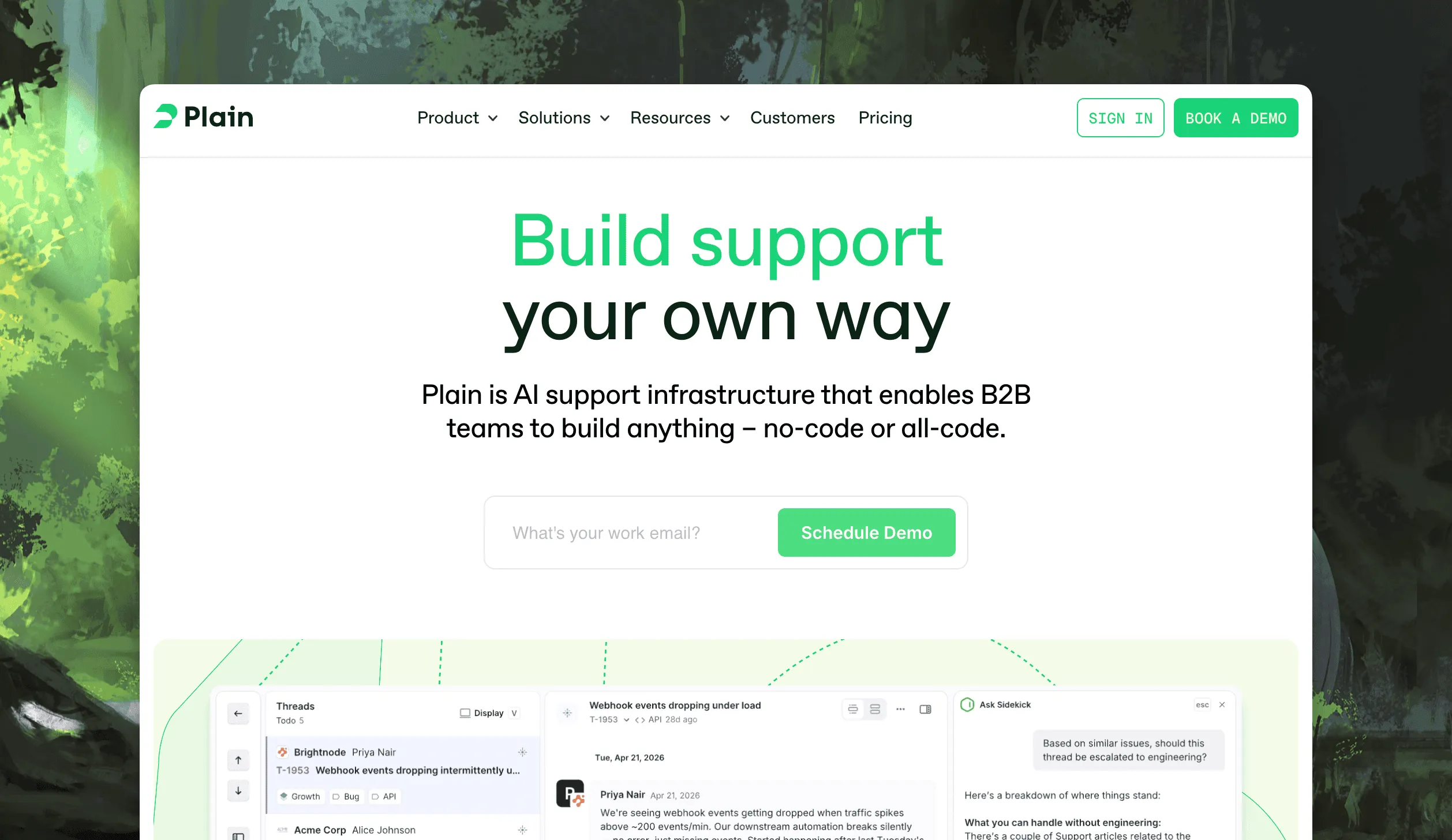
Plain is built for B2B teams whose customers live in shared Slack channels, and its server reflects that. Its hosted endpoint is https://mcp.plain.com/mcp. The published tool set covers replies, assignments, snoozing, priority changes, labels, internal notes, customer history, tenant records, and help center articles.
You authenticate with your existing Plain account, and the assistant inherits your permissions. Plain says most AI clients ask for confirmation before write actions. Check that behavior in the client you’ll use; a permission to reply and a prompt asking you to approve each reply are separate controls.
Best for: technical B2B teams that need customer and company context beside support conversations in Slack and email.
Limitations: the reviewed MCP announcement doesn’t specify plan eligibility. Confirm access before buying, and compare the underlying support channels with your workflow. A store needing order actions should evaluate those separately from MCP access.
4. Gorgias: best for Shopify stores (beta)
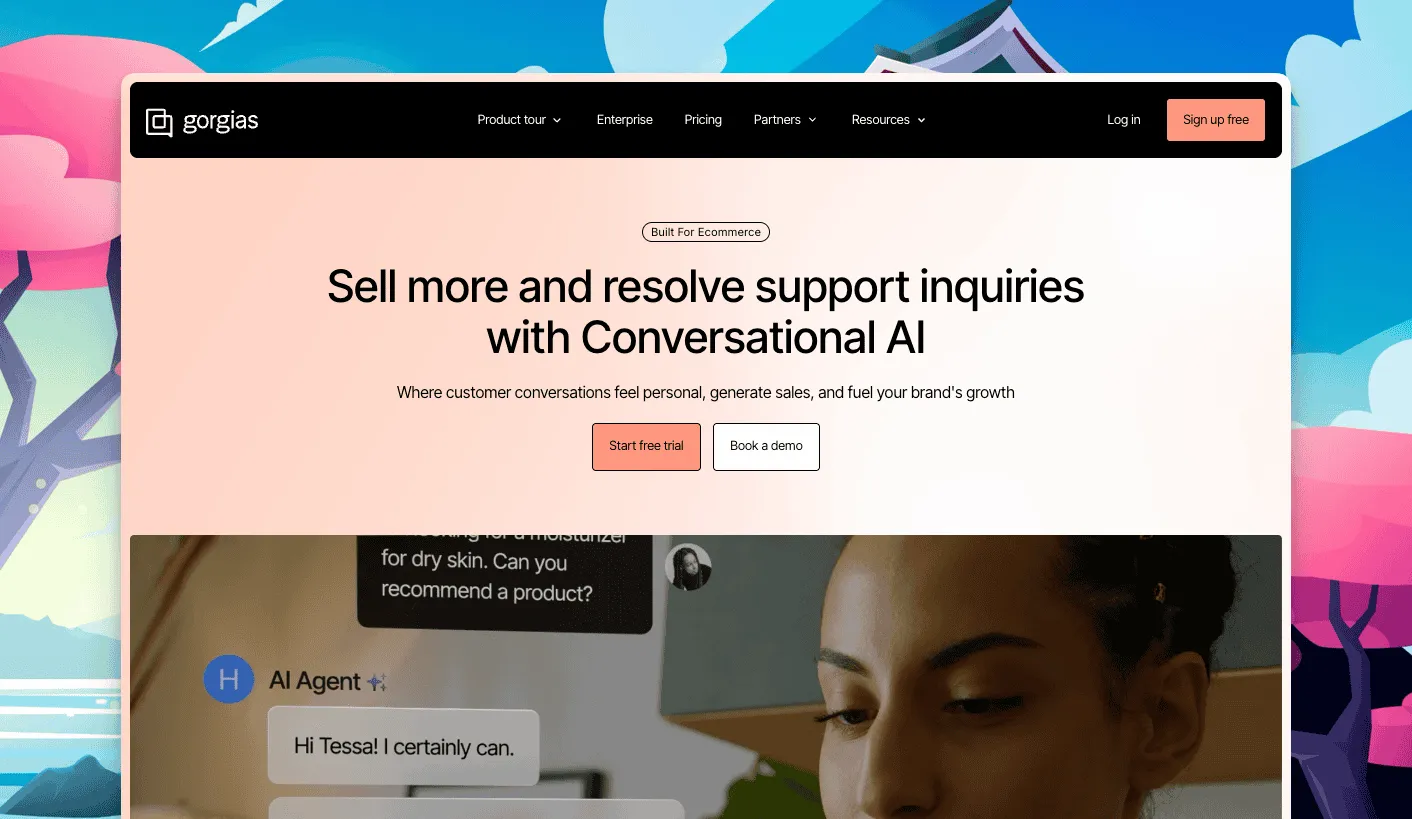
Gorgias hosts its server at mcp.gorgias.com/mcp, with your subdomain as a parameter. Its announcement says the open beta is included on every paid plan without an extra MCP charge. You don’t need the separate AI Agent subscription.
The documented workflows focus on reading conversations and customer history, analyzing CSAT and volume, reviewing macros and rules, and auditing AI Agent guidance. Teams already using Gorgias can ask about recurring support issues without first exporting their data.
Best for: Shopify support leads who want to investigate patterns in their existing Gorgias account.
Limitations: the reviewed announcement doesn’t document sending customer replies or adding internal notes. We haven’t counted third-party reports of those actions as confirmed functionality. Check the tools exposed by your connection before planning a reply workflow around it.
See ThriveDesk vs Gorgias for the rest of the comparison.
5. Freshdesk: best for ticket and knowledge base tools
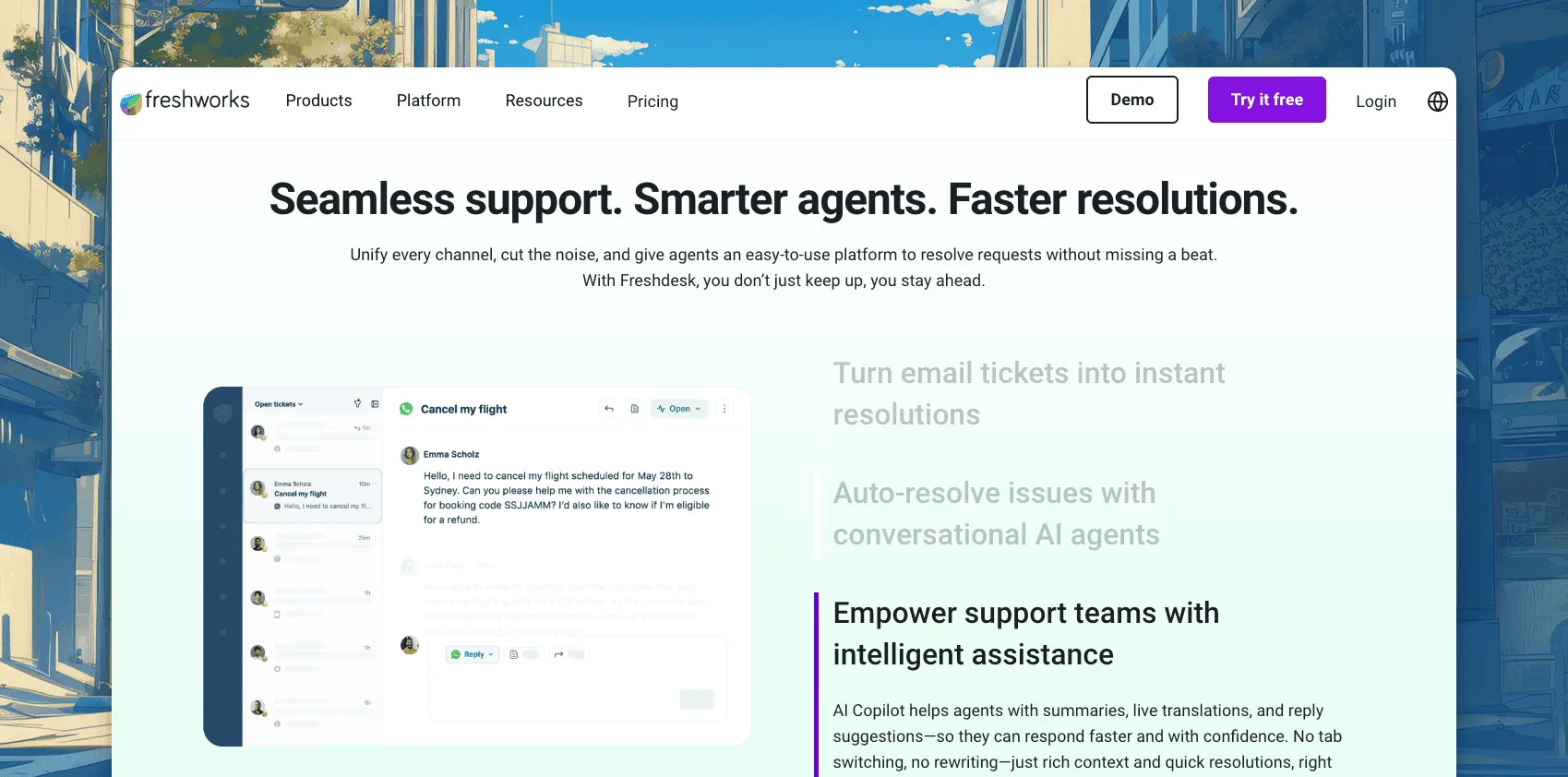
Freshdesk’s server covers ticket creation and updates, replies and notes, contacts, companies, and solution articles. Its documentation includes Claude, Cursor, VS Code, and Microsoft Copilot Studio connections.
The integration became generally available on September 10, 2026. Growth includes 100 MCP actions per account each month, Pro includes 500, and Enterprise includes 1,000. Their respective rate limits are 25, 50, and 100 actions a minute. A successful tool invocation counts as one action, so a workflow can consume several.
Authentication still uses an API key. The endpoint sits on your Freshdesk domain under /mcp; custom domains aren’t supported.
Best for: existing Freshdesk teams that want to work on tickets and solution articles from an assistant.
Limitations: included action allowances can constrain frequent use. Former early-access customers move to standard limits and pricing on October 1, 2026. Check your Freshdesk edition and any action-pack costs before budgeting.
Our ThriveDesk vs Freshdesk page covers the broader product choice.
6. HubSpot Service Hub: best for support with CRM context
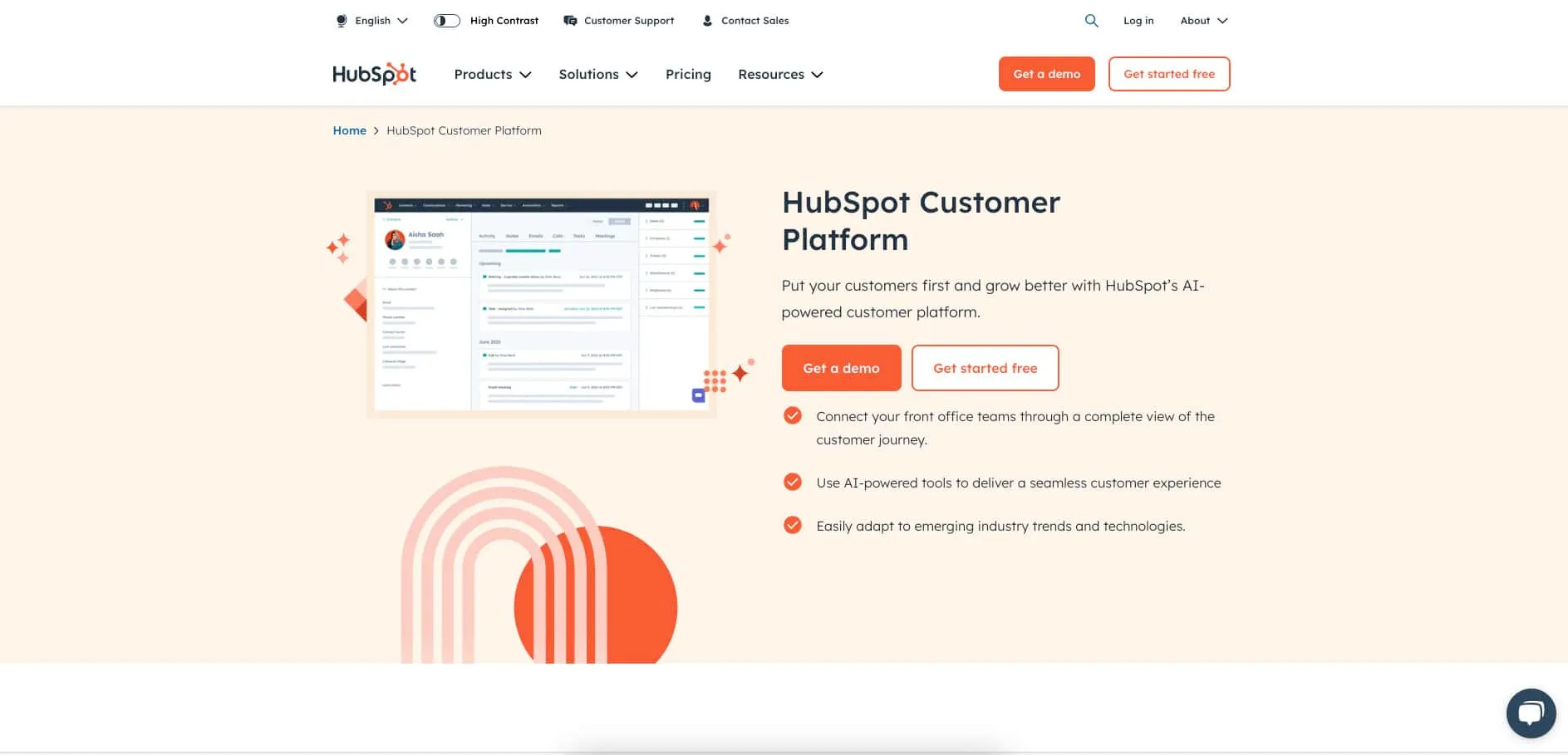
HubSpot’s remote server at https://mcp.hubspot.com connects support work with CRM records. Its current guide documents creating and editing contacts, companies, deals, and tickets, plus activities such as notes and tasks. That lets an assistant update the customer record alongside the support ticket.
For customer conversations, the guide lists read access to messages and threads. Updating an email activity or a ticket record doesn’t establish that a tool can send a help desk reply. We haven’t counted it as a documented customer-reply server.
Best for: teams that need to update a support ticket and the related CRM records in one workflow.
Limitations: available tools depend on subscription, permissions, and account configuration. Accounts with Sensitive Data enabled block MCP access to activity and conversation data. Custom connections require an MCP connector in HubSpot and an OAuth client that supports PKCE.
7. Help Scout: best for read-only research
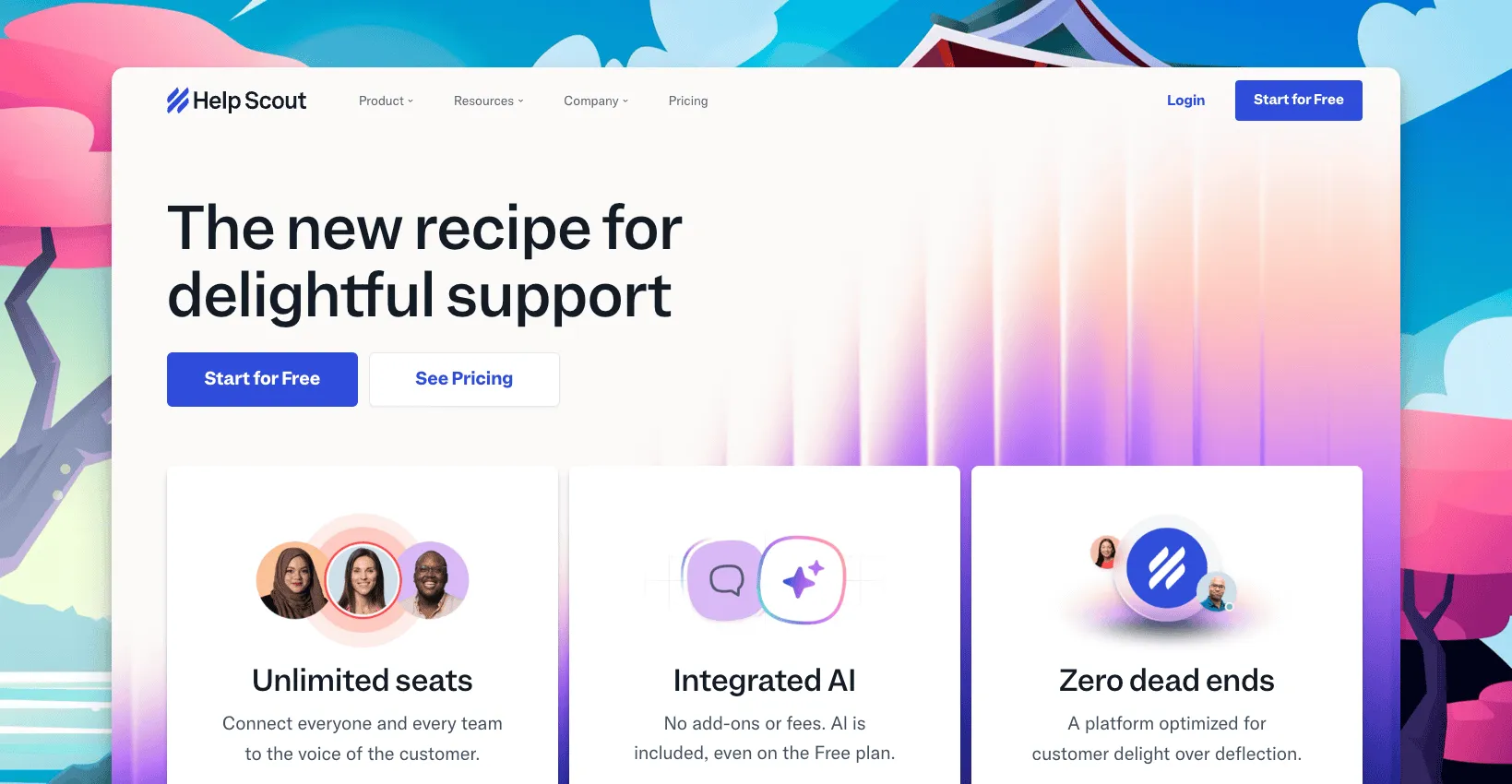
Help Scout’s server uses https://mcp.helpscout.net/mcp and is available on Standard, Plus, and Pro. Each person signs in with their own Help Scout credentials, and the connector respects that person’s access.
New connections are read-only. The assistant can find conversations, customer history, saved replies, and workspace information. Reports require Plus or Pro, while Docs access needs a separate Docs API key. That covers questions such as what a customer last asked or how the team’s happiness report changed.
Best for: support leads who want summaries and research while keeping customer replies in Help Scout.
Limitations: new connections cannot reply, add notes, change tags, or edit articles. Help Scout says a small number of former beta accounts retained write tools, so inspect your connection rather than assuming every account behaves identically. Your AI workspace may also require administrator approval.
See ThriveDesk vs Help Scout for the wider comparison.
8. Intercom: best for conversation research and internal notes
Intercom’s current server documents 14 tools for conversations, contacts, companies, and Help Center articles. It can create and update articles and add an internal note to a conversation. That note is attributed to the person who authorized the connection.
The note tool cannot send a customer-visible reply. It requires write-conversation permission, and older connections may need reauthorization. A note can also reopen a snoozed conversation under the conditions described in Intercom’s guide.
US and EU workspaces have separate endpoints; Australian workspaces aren’t supported. OAuth is the recommended authentication method, with bearer-token access also documented.
Best for: Intercom teams that want to investigate a conversation, leave teammates a note, or maintain help articles.
Limitations: customer replies remain outside this server’s documented tools. The separate Fin Agent API MCP server exposes Fin as a tool for other agents; it is a beta that requires account access. Don’t confuse it with the inbox server.
See ThriveDesk vs Intercom for pricing and platform differences.
9. Zoho Desk: best for workflows across Zoho apps
Zoho takes a different approach. In its MCP console, you select services and tools, then connect the configured server to your assistant. Desk can sit beside CRM, Mail, and other Zoho apps in that connection. You configure the tool selection; you don’t have to host a server yourself.
Zoho’s current pricing page says MCP has no separate subscription charge. Actions use the API allowances of the services involved. Its published support example includes finding open tickets, changing status, and sending a reply, so describing Desk’s write support as wholly undocumented would be misleading.
Best for: teams already using several Zoho apps who want a support workflow to reach related business records.
Limitations: the tools you select and each service’s API permissions determine what is available. Test the specific Desk actions you need, and budget usage against your existing quotas.
ThriveDesk vs Zoho Desk covers the broader trade-offs.
10. Crisp: best for inbox actions with token authentication
Crisp’s official quickstart documents both reading workspace data and writing changes, including sending messages and changing conversation state. Its endpoint is https://api.crisp.chat/mcp/. This is broader than a server for summaries or help center maintenance alone.
Authentication uses a bearer token generated in workspace settings. The token carries the workspace identity and follows the applicable API access controls. Your client needs a compatible way to pass it when connecting.
Best for: existing Crisp teams comfortable managing an API token who want an assistant to take inbox actions.
Limitations: the documented setup uses a token rather than an OAuth sign-in flow. Regenerating it can affect the associated REST API credentials, so coordinate rotation with whoever maintains your integrations. The quickstart doesn’t state plan eligibility; confirm that in your workspace before choosing a plan for MCP.
Help desk MCP servers compared
| Tool | Best for | Customer replies | Availability and main limit |
|---|---|---|---|
| ThriveDesk | Email, live chat, and reports; Neo AI agent in every plan, no per-resolution fee | Yes | Standard from $49/month annually; one workspace per connection |
| Front | Multichannel teams | Yes | Open beta; directory or custom OAuth connection |
| Plain | B2B support in Slack | Yes | Plan eligibility not specified in reviewed announcement |
| Gorgias | Shopify support analysis | Not confirmed in reviewed docs | Open beta; included on paid plans |
| Freshdesk | Tickets and solution articles | Yes | Growth, Pro, Enterprise; monthly action allowances |
| HubSpot Service Hub | Support with CRM context | Not documented for help desk messages | Tool access varies by subscription and permissions |
| Help Scout | Research and reports | No for new connections | Standard, Plus, Pro; reports on Plus and Pro |
| Intercom | Research and internal notes | No | US and EU; internal notes and article writes supported |
| Zoho Desk | Workflows across Zoho apps | Vendor example includes replies | Selected tools and existing service API quotas |
| Crisp | Inbox actions | Yes | Bearer token; confirm plan eligibility |
Documentation checked September 21, 2026. The table compares MCP access, not the full help desk subscription. “Not documented” and “not confirmed” describe the evidence we reviewed, not a tested failure.
Where Zendesk and Re:amaze fit
Zendesk’s August 10, 2026 announcement covers an MCP client. It lets action flows call external servers and is available on Suite Growth and above, and Support Team and above. That is useful when the work starts inside Zendesk, but it doesn’t itself give Claude access to Zendesk conversations.
We didn’t find a documented first-party inbox server for Zendesk or Re:amaze in this review. Third-party connectors are a separate option: check who maintains them, which actions they expose, and what credentials they need. A marketplace listing isn’t the same as a vendor-operated server. Our help desk comparison hub covers the wider product differences.
How to choose the right MCP connection
Start with the task your team repeats, then check whether the server exposes every action it needs.
- For sending replies, shortlist ThriveDesk, Front, Plain, Freshdesk, or Crisp. Zoho also publishes a reply workflow, but your selected Desk tools determine access.
- For research, Help Scout suits teams that want new connections to stay read-only. Intercom adds internal notes, while Gorgias documents support analysis for stores.
- For CRM work, HubSpot and Zoho deserve a closer look. Updating customer records alongside support work may matter more than replying from the assistant.
Try the same small workflow in each shortlisted connection: find one conversation, read its history, prepare a response, and check where the result appears. A saved draft, an internal note, and a sent message should never be treated as interchangeable outcomes.
Include the help desk subscription, assistant subscription, and any action allowance in your budget. Use our help desk cost calculator for the base-plan comparison, then add MCP costs separately. Confirm data handling with both providers; a regional server endpoint alone doesn’t determine where your assistant processes the response.
Why teams choose ThriveDesk for support through AI assistants
ThriveDesk suits teams that want their assistant to work on everyday support tasks with permissions they can review. The same conversations stay available in the inbox, so teammates can see the work and continue it in the app.
Reply and follow through. A customer response often needs more than text. The assistant can add private notes, assign the conversation, or update conversation tags after preparing a reply. You can grant those actions individually instead of giving every connection full access.
Keep email and chat together. The server includes live chat actions as well as email conversations. An assistant can read a waiting chat, accept it, and respond when permitted. That matters if the same support team works both queues throughout the day.
Use the answers your team maintains. Knowledge base search and saved replies give the assistant existing material to consult. Start with drafts you can inspect, then decide which sending permissions fit your workflow. The connector provides access; you still review whether the proposed answer resolves the customer’s problem.
Budget by plan. Standard is $69/month, or $49/month billed annually, with five teammates and two inboxes. Unlimited is $129/month, or $99/month billed annually, with unlimited teammates and five inboxes. Both include MCP without a separate per-action charge. Basic doesn’t include it. Compare the current plans against your team size and inbox count.