
A store answers “where is my order” all day. A SaaS team answers “why was I charged twice”. Both teams often start in a Gmail inbox. They outgrow it when the same question arrives by email, chat and phone at once, and they move to a shared inbox.
Customer service software bills in different ways: per agent, per AI answer or per workspace. A per-agent tool costs five times as much for ten agents as for two. A ticket tool may have no chat, and a chat tool may have no order or billing data.
The best customer service software in 2026 is: 1) ThriveDesk, for online stores (Shopify, WooCommerce) and SaaS teams that want AI in a flat plan; 2) Zendesk, for teams that expect to grow; 3) HubSpot Service Hub, for CRM-led teams; 4) Zoho Desk, for teams on Zoho; 5) Salesforce Service Cloud, for companies on Salesforce; 6) Intercom, for SaaS teams that talk to users in the product; 7) LiveAgent, for phone and social support; 8) Crisp, for very small teams; 9) Freshdesk, for low per-agent prices.
What is customer service software?
Customer service software is the tool your team uses to receive, answer and track customer requests. It replaces a pile of separate inboxes, chat windows and spreadsheets with one workspace. Every message becomes a conversation with an owner, a status and a history.
Vendors use several names for it: help desk, ticketing system, customer support platform. A customer writes by email, chat or phone, and your team sees the request next to the customer data you hold. For a SaaS company, that is the plan and the subscription status. For a store, it is the order and its tracking. One shared history helps response times and customer satisfaction, because customers do not repeat themselves.
Types of customer service software
Five types cover most of the market. A help desk manages email and tickets. Live chat tools handle real-time messages on your site or in your app. CRM-based suites keep support inside the sales record. Contact center tools lead with phone. Self-service tools focus on the knowledge base. A store can start with a help desk and chat. A SaaS team can start with chat in the app and a help center.
This post covers the first four. If you only want the queue, read our list of the best help desk software for small businesses and online stores. If you only want the AI agent, read the comparison of AI chatbots for customer service.
For surveys, analytics and engagement, read the customer experience software guide.
What to look for in a support platform
Five questions separate the tools in this post. Ask them in order.
Which channels do your customers use?
List where requests arrive today. A store needs email, chat and SMS for delivery updates. A SaaS team needs chat in the app and email. Pick a tool that covers your top two without add-ons. Phone and social support are the usual gaps, so check them first if you take calls.
How does the AI agent work, and how is it billed?
Ask what the AI agent answers from. The best ones use your own help center, site pages and files, and say when they do not know. Then ask how it is billed. Some tools include it in the plan, and others charge for each resolved conversation. That matters most when volume spikes: a sale day for a store, a launch day or an outage for a SaaS team. Our comparison of AI customer service software for online stores works through that bill.
Does it have a knowledge base?
A help center cuts repeat questions and feeds the AI agent. A store uses it for shipping and return rules. A SaaS team uses it for how-to articles. A tool without one sends you to a second product and a second bill.
Can it show order or billing data?
A store needs the order, tracking and refund state beside each conversation. A SaaS team needs the plan and the subscription status. Check for a direct connection to Shopify, WooCommerce, Stripe or Paddle, or for an API that lets you build one.
How does it charge for seats?
Per-agent pricing is simple at three agents and costly at fifteen. Flat plans keep the cost steady. Count your agents now and in twelve months, then price both counts. The help desk cost calculator does the arithmetic.
How we picked these tools
We chose tools that a team of 2 to 50 agents can buy from a public pricing page. We added Salesforce Service Cloud, the enterprise option that small teams compare. We read each vendor’s pricing page for the billing model, the AI fees and the plan limits. We gave each tool a “best for” line and a limit.
Quick comparison
| Tool | Best for | Pricing model | Order or billing data |
|---|---|---|---|
| ThriveDesk | Online stores and SaaS teams that want AI in a flat plan | Flat plan, AI included | Shopify, WooCommerce, Stripe, Paddle |
| Zendesk | Teams that expect to grow | Per agent, AI resolutions billed | Through apps and API |
| HubSpot Service Hub | CRM-led teams | Per seat, free plan | Through the HubSpot CRM |
| Zoho Desk | Teams on Zoho | Per agent, free plan | Through Zoho CRM and apps |
| Salesforce Service Cloud | Companies on Salesforce | Per user, by edition | Through Salesforce data |
| Intercom | SaaS teams that talk to users in the product | Per seat, AI billed per outcome | Through integrations |
| LiveAgent | Phone and social support | Per agent | Through integrations |
| Crisp | Very small teams on a flat price | Per workspace, free plan | Through integrations |
| Freshdesk | Low per-agent prices | Per agent, AI sessions billed | Through apps and API |
Billing models come from each vendor’s public pricing page. Vendors change plans often, so confirm the current terms for your own team before you buy.
The 9 best customer service software tools in 2026
1. ThriveDesk: best for online stores and SaaS teams that want AI in a flat plan
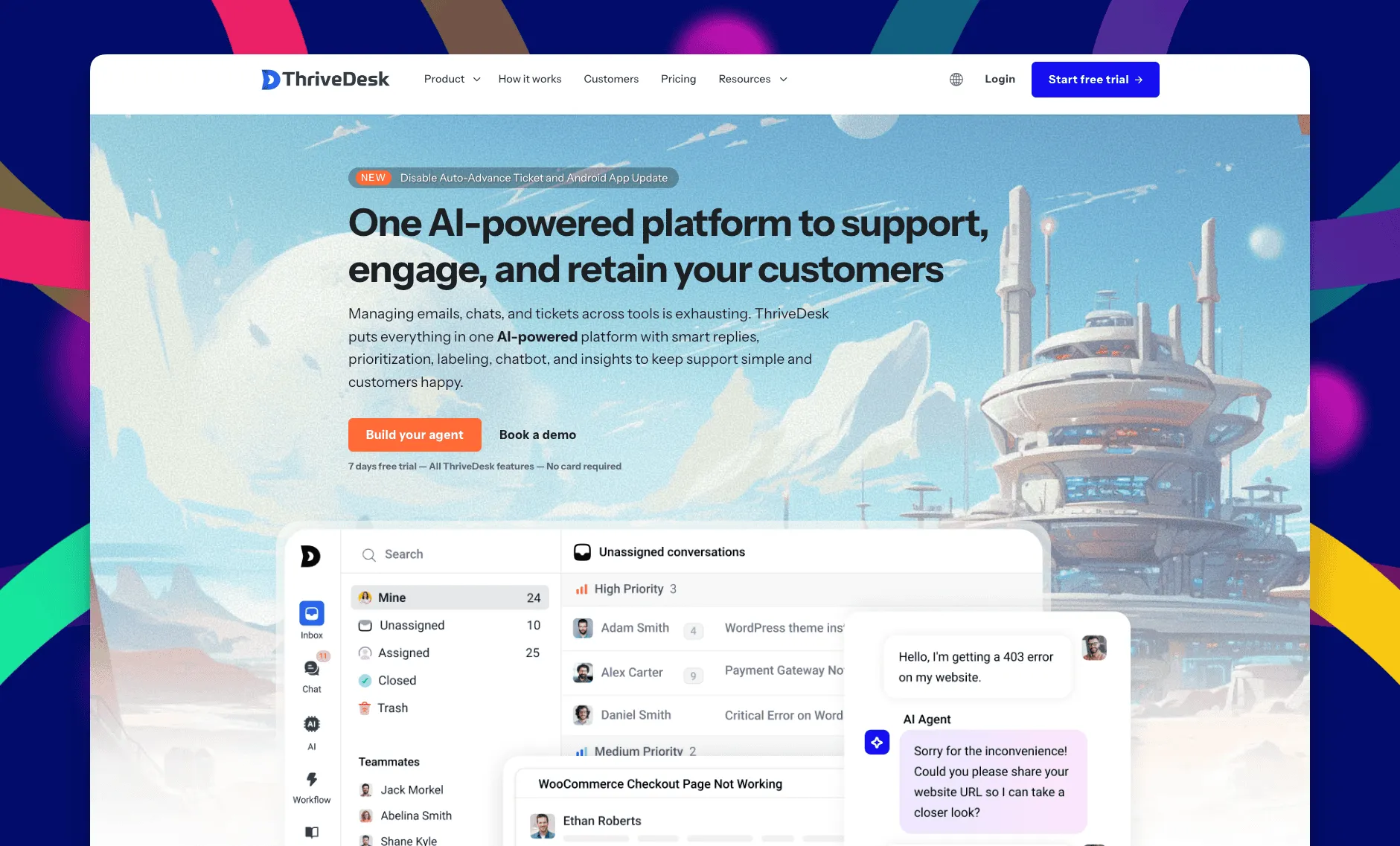
ThriveDesk is a help desk with a shared inbox, live chat, a help center and reporting. Neo, its AI agent, answers customers at any hour. It is built for two kinds of team: online stores on Shopify or WooCommerce, and SaaS or software companies.
Your team works in a shared inbox that collects email, live chat and AI conversations, plus phone and SMS. WhatsApp and Messenger are in preview. Neo answers in the chat widget in 50+ languages. It uses your help center, site pages and files, and resolves up to 65% of conversations without a person.
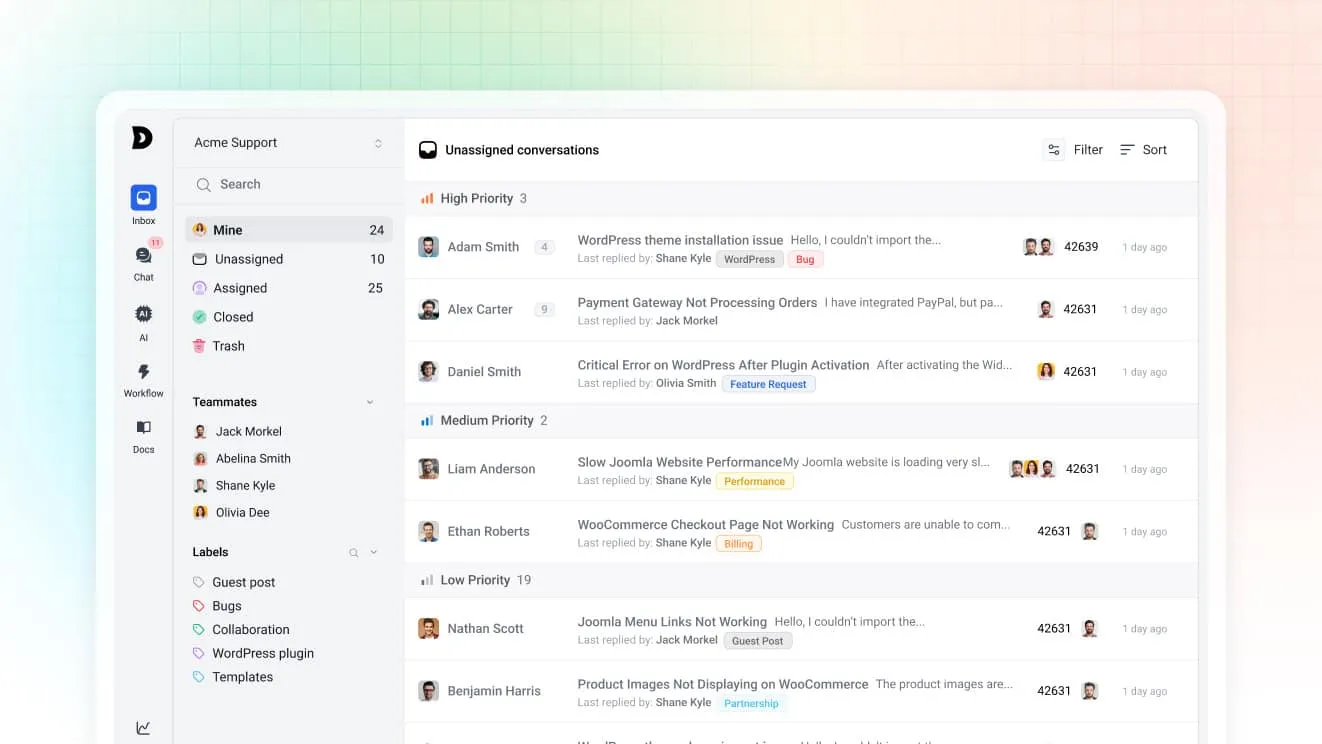
For stores, order data from Shopify and WooCommerce sits beside each chat. Through AI tools, Neo can look up an order, check tracking, update a shipping address or cancel an order. It can refund an order through Stripe, but only inside a limit you set. You can also set any tool to need approval from a teammate. See how this works for an online store.
For SaaS teams, Stripe or Paddle subscription status sits beside the conversation. Route each request by plan, set SLAs, and send a billing issue to the billing team instead of engineering. A webhook and a REST API show account context in the inbox. See how this works for a SaaS company. When Neo cannot help, it hands the conversation to your team with the history attached.
Plans are flat and set by team size, not billed per agent. Neo is in every plan, so a busy month does not change the bill. See pricing for the plans. ThriveDesk moves your data from Intercom, Help Scout or Zendesk for free on an annual plan.
Best for: small and midsize online stores (Shopify, WooCommerce) and SaaS or software companies that want the inbox, chat, help center and AI agent in one tool on a flat plan.
Limitations: there is no free plan, only a free trial with no credit card. WhatsApp and Messenger are not generally available yet.
2. Zendesk: best for teams that expect to grow
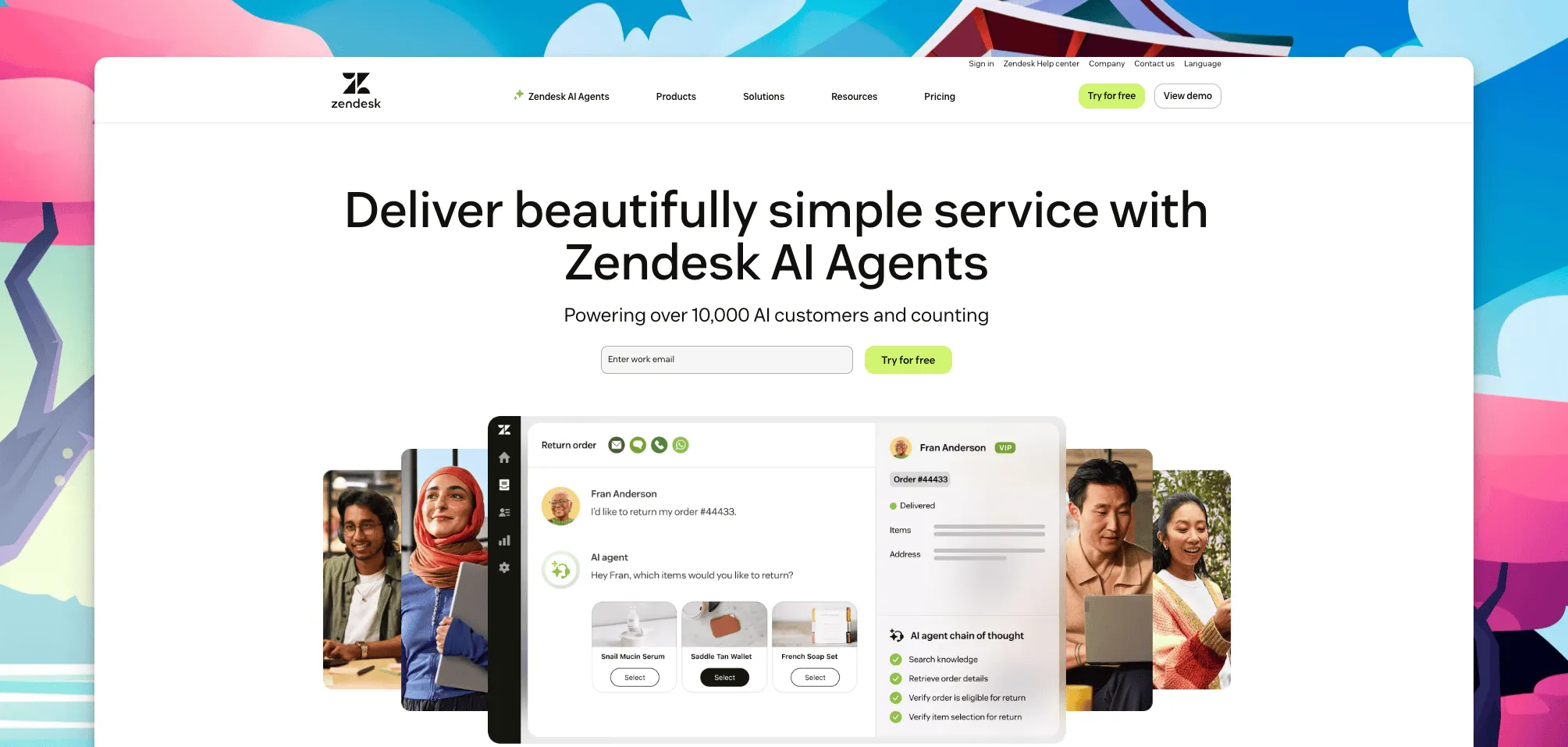
Zendesk sells two main plan lines. Support Team covers email and tickets. Suite Team adds messaging, live chat and phone.
Zendesk bills per agent, and the price depends on the plan. AI agents come with an allowance of automated resolutions, and extra resolutions are billed. A free trial is available.
Best for: teams that expect to grow and want one platform that adds channels and AI as they scale.
Limitations: chat and phone need a Suite plan, and per-resolution fees rise with volume. See ThriveDesk vs Zendesk for a head-to-head.
3. HubSpot Service Hub: best for CRM-led teams
HubSpot Service Hub puts support in the same system as your contacts, deals and email marketing. Teams that already run sales and marketing in HubSpot get the shortest setup.
HubSpot bills per seat, and a free plan is available. Professional adds a one-time onboarding fee.
Best for: teams that already use HubSpot CRM and want support in the same record.
Limitations: costs rise from Starter to Professional, and Professional adds an onboarding fee.
4. Zoho Desk: best for teams on Zoho
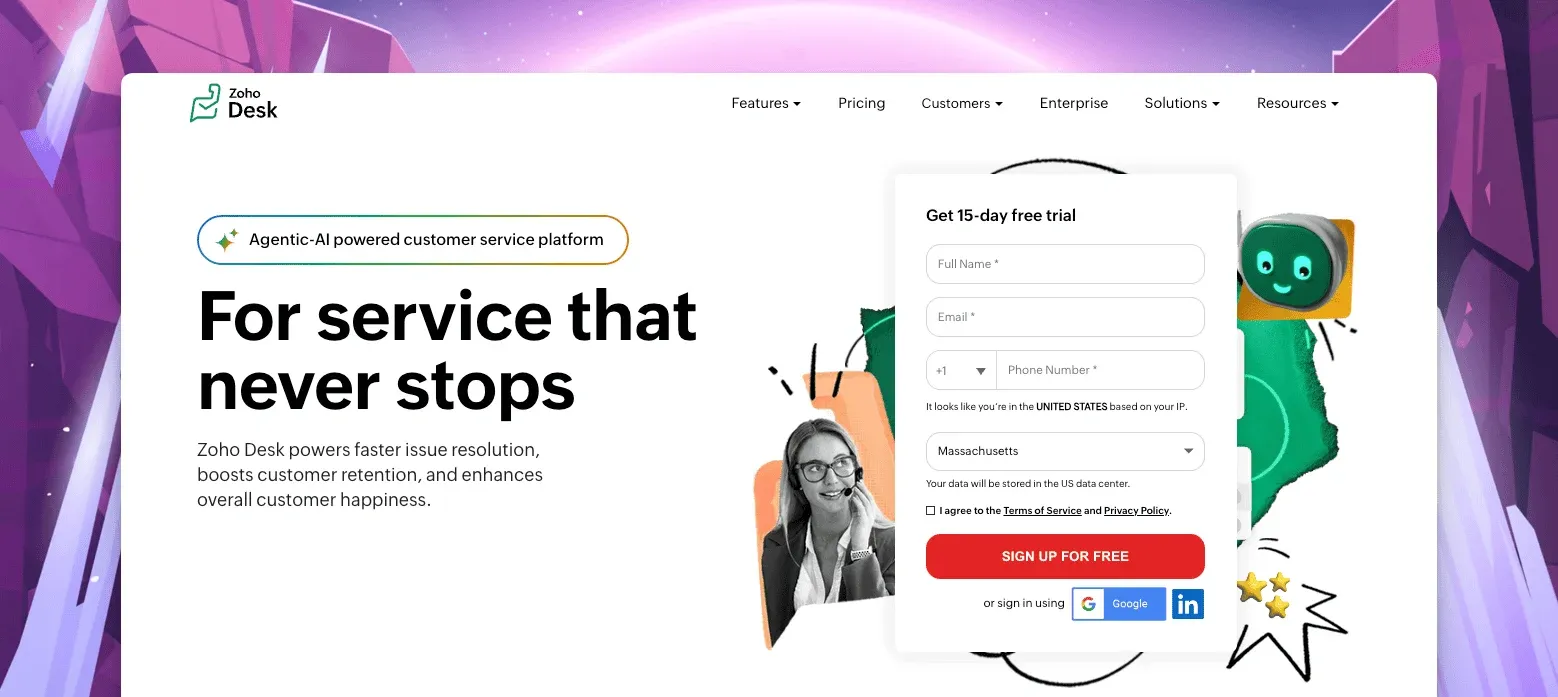
Zoho Desk is a ticket-based tool that connects to the rest of the Zoho suite. A free plan is available. Paid plans add more channels and automation, and you can start a trial of any paid plan without a card.
Zoho bills per agent.
Best for: teams that already use Zoho CRM or Zoho Books and want a free start.
Limitations: the free plan is small, and paid plans cost per agent. See ThriveDesk vs Zoho Desk.
5. Salesforce Service Cloud: best for companies already on Salesforce
Service Cloud is the enterprise option. It handles cases, a self-service help center and AI features on its higher editions.
Salesforce bills per user, and the price rises with each edition. The higher editions add the AI features.
Best for: larger companies on Salesforce that need case management tied to their CRM.
Limitations: the cost and setup effort need a team with an administrator.
6. Intercom: best for SaaS teams that talk to users in the product
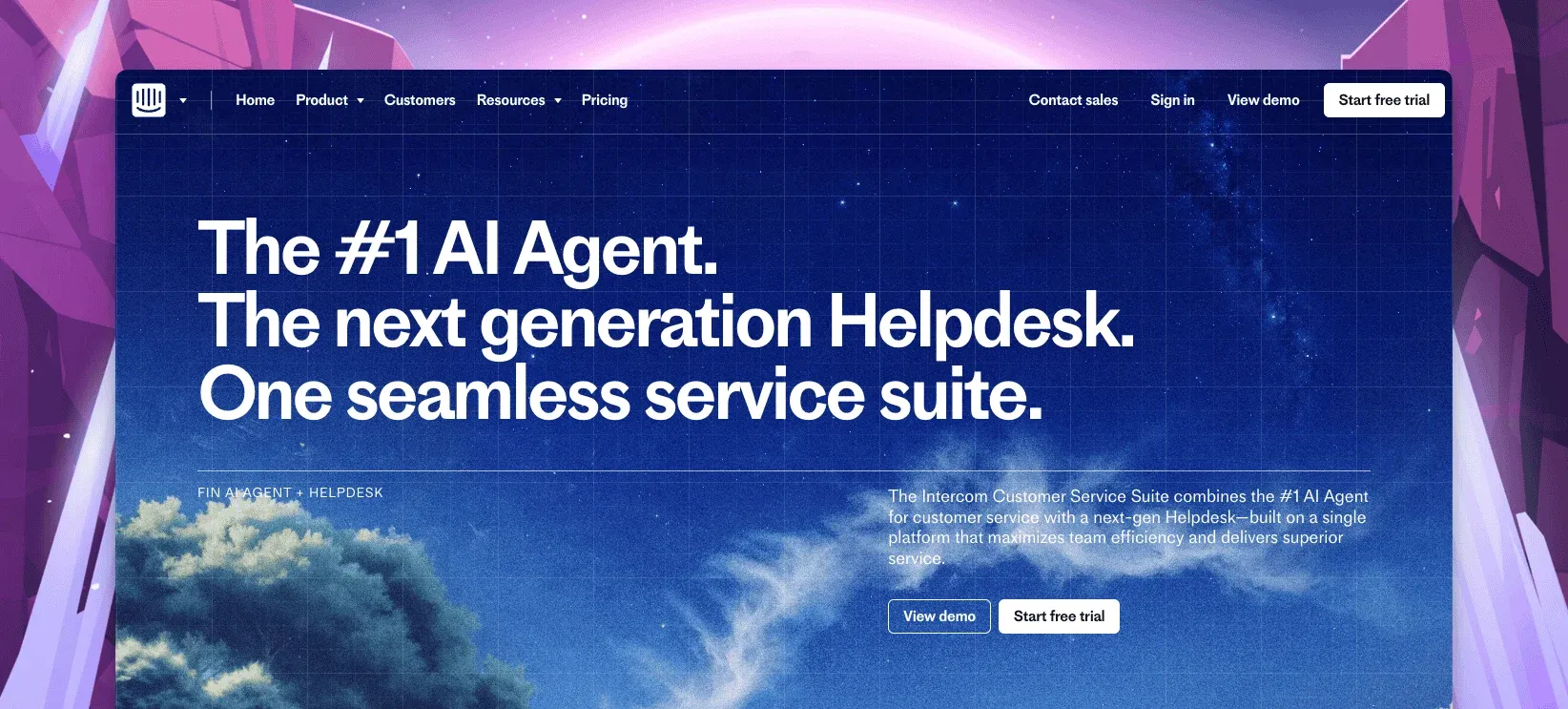
Intercom started as in-app chat for software products. Its messenger sits inside your app or site, and its AI agent, Fin, answers from your content. The inbox and help center are included. A SaaS team whose questions start inside the product gets the most from it.
Intercom bills per seat. Fin, its AI agent, is billed per outcome on top of the seat price. A free trial is available.
Best for: SaaS teams that talk to users inside the product.
Limitations: outcome fees grow with volume, and seat prices climb quickly on Advanced. See ThriveDesk vs Intercom.
7. LiveAgent: best for phone and social support
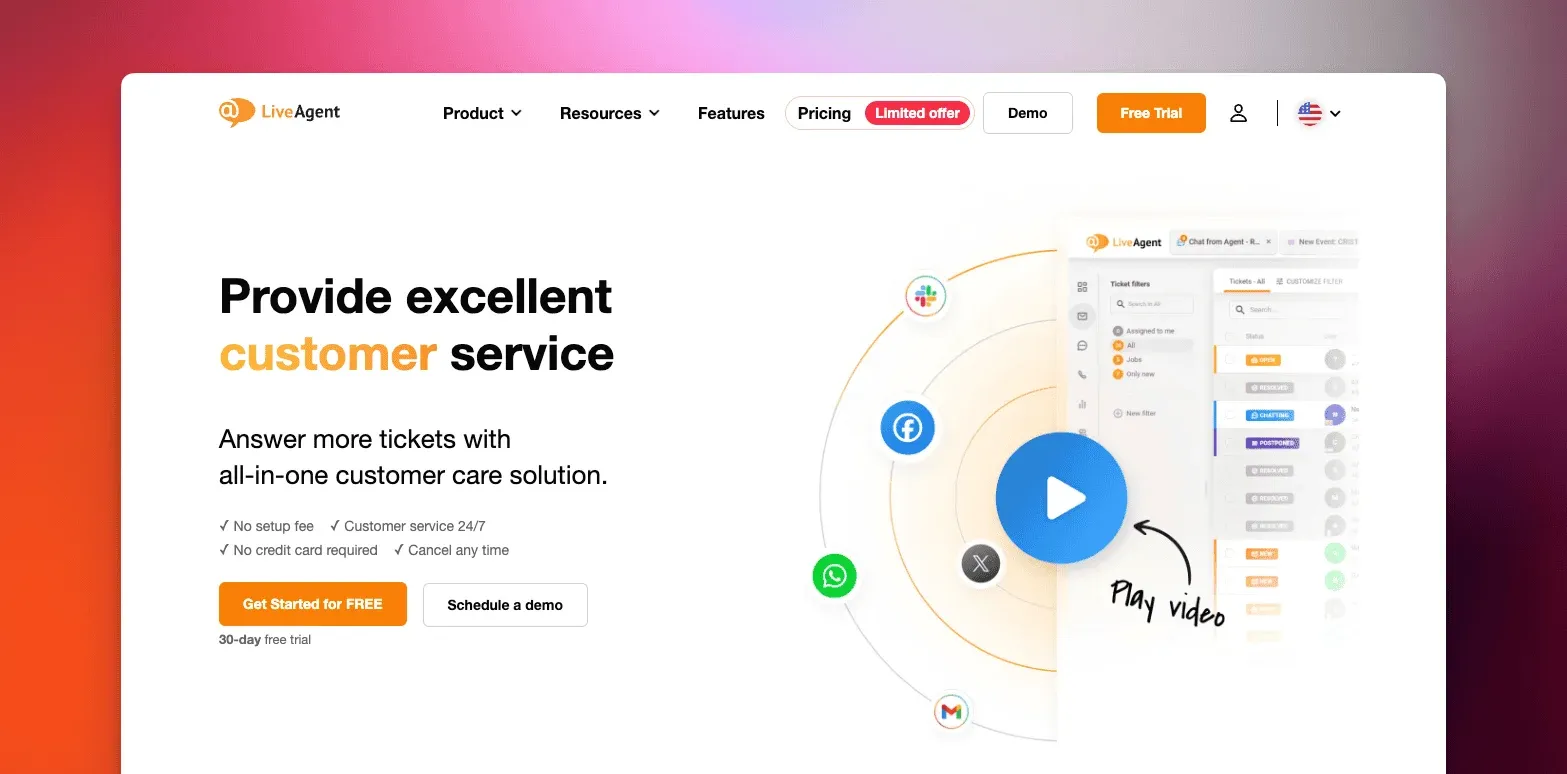
LiveAgent mixes tickets, live chat, a call center and social channels in one tool. The Team plan and higher add phone, Facebook, Instagram, X, WhatsApp, Viber and Telegram. That makes it a fit for teams where customers call or message on social apps.
LiveAgent bills per agent. A free trial is available with no credit card.
Best for: teams that take calls and social messages as well as email.
Limitations: billing is per agent, so each hire raises the bill. Test its AI features in the trial before you commit.
8. Crisp: best for very small teams on a flat workspace price
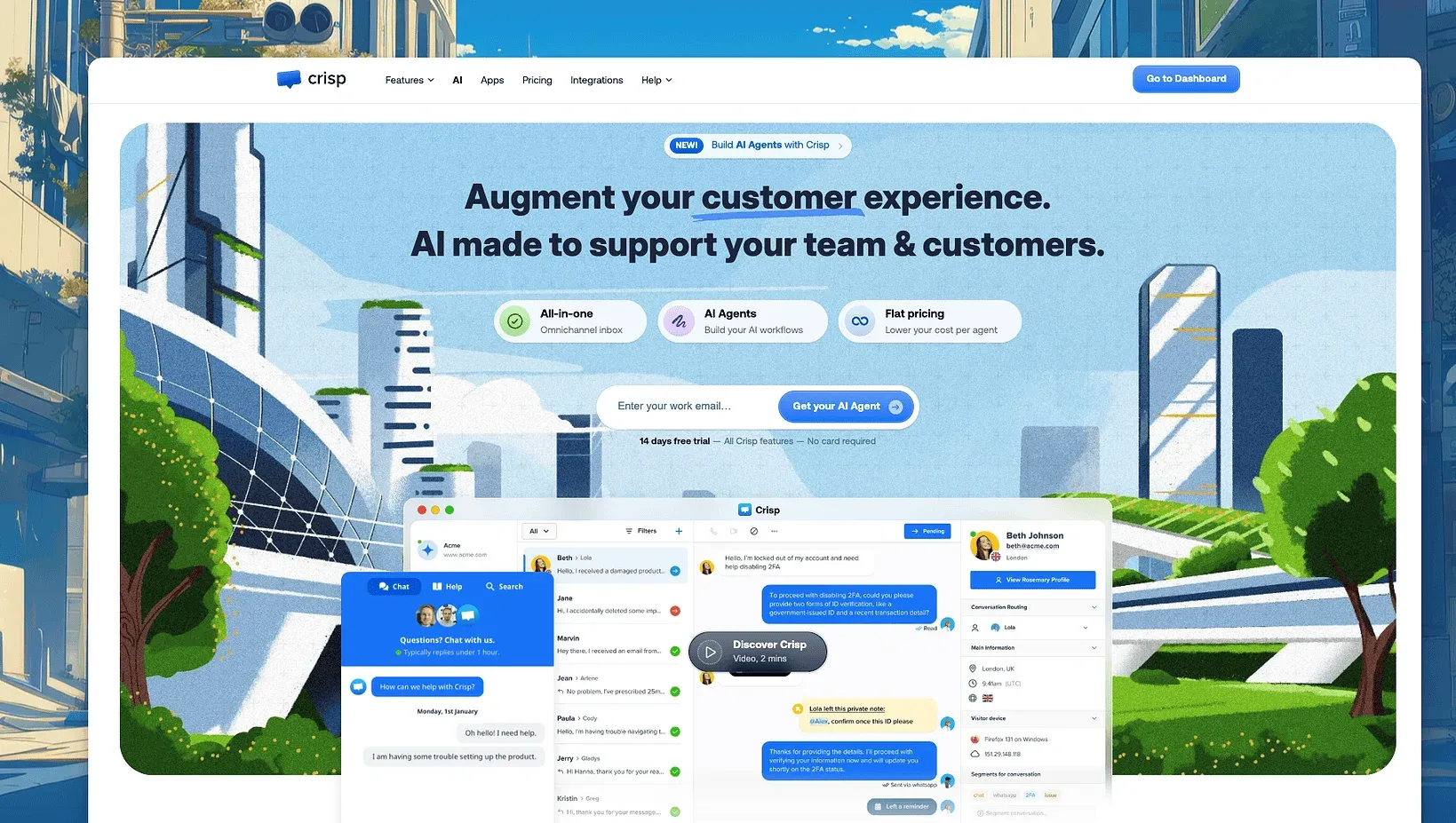
Crisp charges per workspace instead of per agent. A free plan covers a chat widget and shared inbox. Each paid plan includes a set number of seats and AI credits, and you pay for more credits.
Best for: very small teams that want a free start and a flat price.
Limitations: AI credits cap the automated conversations each month, and advanced features need the higher plans.
9. Freshdesk: best for low per-agent prices
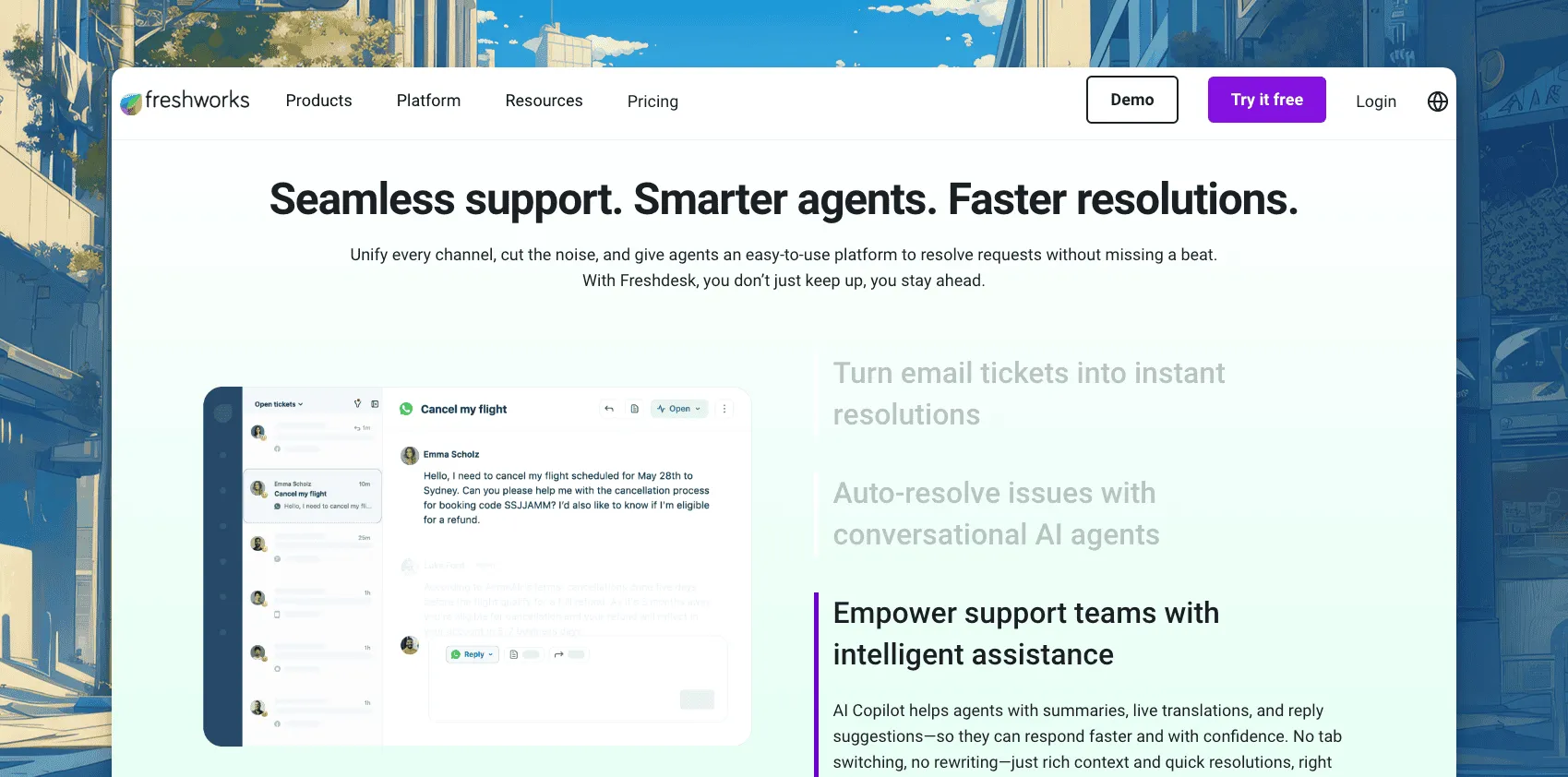
Freshdesk is a ticket-based help desk from Freshworks with a low entry price. It bills per agent. Each account gets a one-time allowance of Freddy AI Agent sessions, and extra sessions are billed. There is a free trial and no free plan.
Best for: teams that want a ticket tool at a low per-agent price.
Limitations: the one-time AI allowance is small, and the cost scales with each agent. See ThriveDesk vs Freshdesk.
Three examples: a SaaS team, a store and a service business
These customer service software examples show how the choice changes with the stack. A SaaS team of six gets this message: “I upgraded and was charged, but my workspace still says Free.” The agent needs the Stripe subscription next to the chat. That shows the charge worked and the plan did not update. It is a billing issue, so the agent routes it to the billing team and not to engineering. The knowledge base answers the how-to questions that fill the rest of the queue. Intercom fits this case if most questions start inside the app.
An online store with four agents gets “Where is my order?” and “I want to return this” all day, and the volume jumps on sale days. With order and tracking data in the conversation, Neo checks the tracking and replies. A refund runs inside the limit the team set, and it waits for approval if the team chose that. Read our guide to ecommerce customer service best practices for the process side.
A small service business that takes calls and books through social messages needs phone and social channels first. LiveAgent or Zendesk Suite fit that case better than a chat-first tool.
Is cloud based support software the default?
Yes. Cloud based customer service software is the default, and every tool above works this way. You sign in from a browser, and the vendor hosts and updates it. Self-hosted help desks need your own server and someone to maintain it.
The cloud has a trade-off: you give up some control, and a vendor outage stops your team. For a store, the risk is a sale day. For a SaaS team, the risk is a launch. Ask each vendor for a data export and its uptime history before you sign.
Best customer service software for small business, by team type
- Online store, 2 to 5 agents: ThriveDesk, for Shopify or WooCommerce order data and a flat plan. Crisp if you want a free start and only chat.
- SaaS team, 2 to 10 agents: ThriveDesk for Stripe or Paddle context, SLAs and a fixed AI cost. Intercom if most questions start inside the product.
- Six to twenty agents, growing: Zendesk or Freshdesk, or a ThriveDesk plan if you want the cost fixed.
- Already on a CRM: HubSpot, Zoho Desk or Salesforce, so support shares the customer record.
- Calls and social messages: LiveAgent, or Zendesk Suite.
Price your own agent count before you decide. Per-agent tools rise with every hire, and AI usage fees, phone minutes and add-ons come on top. A flat plan stays the same as the team grows.
Why teams choose ThriveDesk for customer support
Stores on Shopify or WooCommerce and SaaS teams on Stripe or Paddle choose ThriveDesk for four reasons.
- Order and billing context: Shopify and WooCommerce orders, and Stripe or Paddle subscription status, sit beside each conversation. Agents stop switching tabs.
- AI in the flat price: Neo is in every plan. A sale-day spike or a launch week does not raise the invoice.
- One inbox for every channel: the same queue holds live chat, email, phone and SMS, with a help center that feeds the AI agent.
- Built for lean teams: you do not need an administrator to set it up. Migration from Intercom, Help Scout or Zendesk is free on an annual plan.
In practice, a store can let Neo refund an order through Stripe inside a limit it sets. A SaaS team can send a billing issue to the billing team and not to engineering, with the Stripe or Paddle subscription in view. ThriveDesk plans are flat, not per agent, with the AI included. Plans differ by teammate count and inboxes. There is a free trial with no credit card and no free plan. See pricing for every plan, or compare ThriveDesk with other tools.
Disclosure: ThriveDesk publishes this list and ranks its own product first, so read it as a vendor’s comparison, not an independent review. We read every competitor’s public pricing page for its billing model and listed real limits for ThriveDesk too.