You’re a busy entrepreneur running a successful eCommerce store. Finding the finest Product Schema plugins to optimize your WooCommerce store can be time-consuming. We did the work for you!
Schema plugins can add to the functionality that comes with the platform. This is one way they reach their goal, and most of the time it’s used for SEO or writing.
Here, we selected the best apps based on the app ratings, number of reviews, app’s top features, and other objective criteria. We hope this information will help you search for an app that suits your needs.
7 Best Product Schema Plugins for WooCommerce

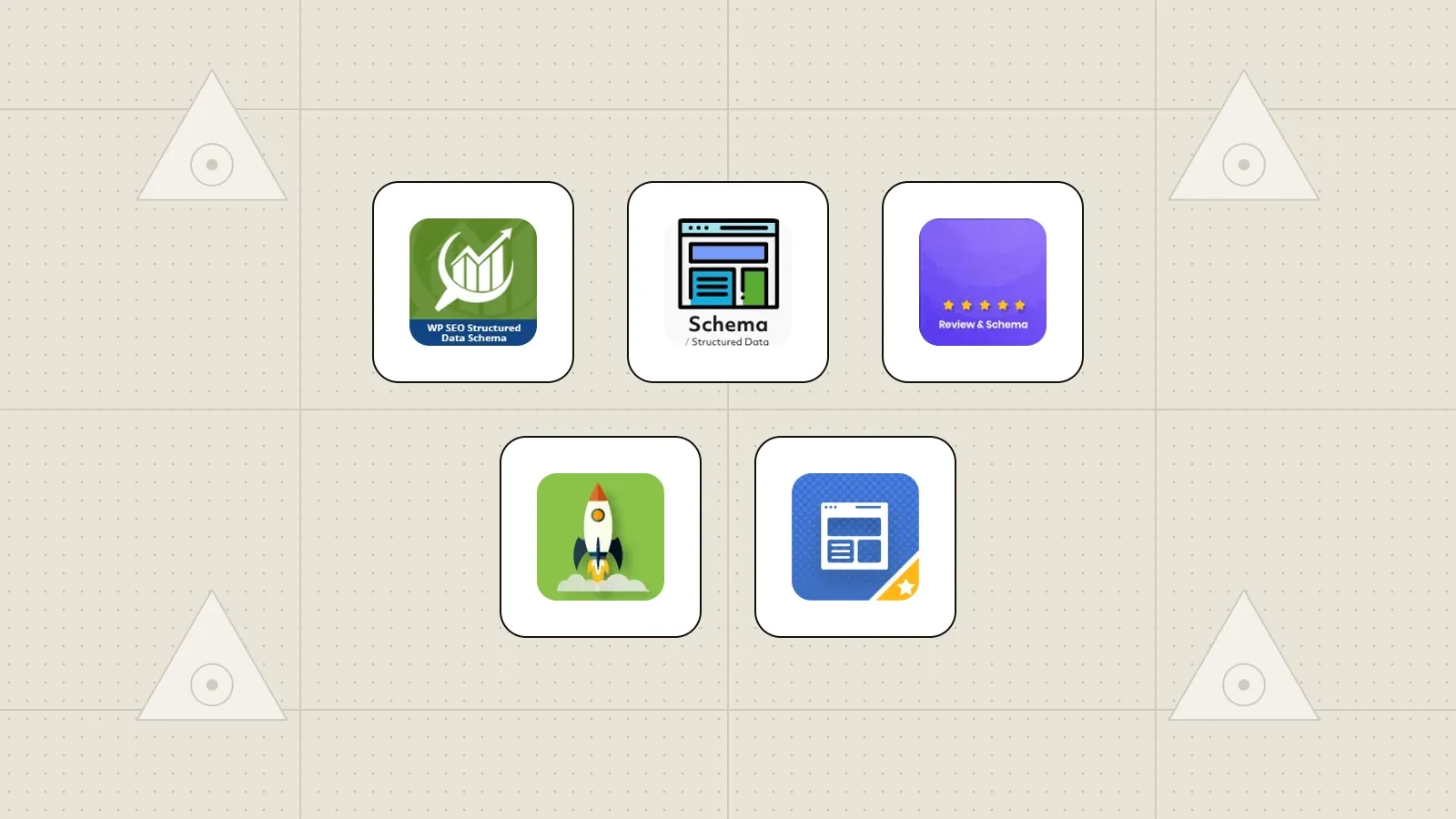
Five Star Business Profile and Schema
by Five Star Plugins
Unlike the other schema and rich snippet plugins here, Five Star Business Profile does one thing: schema for business profiles and contact pages.
There are no fancy features like multiple schema types or live schema testing. There is only one solution for one profile. That is no bad thing if you prefer plugins that do one job.
View More
WPSSO Core
by JS Morisset
WPSSO Core is a free meta tag and schema markup plugin by JS Morisset, available on WordPress.org. It covers both SEO and schema markup.
WPSSO lets you add meta tags and schema markup for Facebook or Open Graph, Google’s Knowledge Graph, Google’s Rich Results, and a lot more.
View More
Schema & Structured Data for WP & AMP
by Magazine3
One of the more popular schema plugins for WordPress, from the team at Magazine3. Schema & Structured Data for WP & AMP has over 90,000 active installs and 114 5 star ratings.
The setup wizard is easy to follow, and it covers 33 schema types with more on the way.
View More
Schema
by Hesham
Schema is one of the more established schema plugins for WordPress. It is small, quick, and running on more than 70,000 sites. It works with a number of schema markups, such as logos, phone numbers, links to social profiles, and a knowledge graph. The plugin also works with many schema.org types, such as blog pages and posts, reports, scholarly, news, and tech articles, WordPress headers and footers, breadcrumbs, collection pages for tag and category archives, video objects, and a few more.
You can give schema types to certain types or categories of posts from one place in the settings. This plugin makes structured data in the JSON-LD format, which is the most recommended format by Google. You can add to this plugin’s features by using your theme’s features or the features of other plugins. Schema by Hesham works with many plugins, such as Yoast SEO, the Automatic Accelerated Mobile Pages plugin, WPRichSnippets, The SEO Framework, WPBakery Page Builder, and ThirstyAffiliates. The Schema for WooCommerce extension works with the paid version.
View More
Review Schema
by RadiusTheme
Review & Schema is a review plugin for WordPress websites that comes with a structured data schema solution based on JSON-LD. You can rate your pages, posts, and custom post types. There is a decent panel for keeping an eye on WooCommerce ratings and reviews.
Review & Schema lets you rate and review pages, posts, and WooCommerce products based on one or more criteria. Using JSON-LD, the plugin works with both automatically and manually generated structured data schema.
View More
WP SEO Structured Data Schema
by WPSEMPlugins
Structured data and schema matter more to SEO every year.
The catch is that this is genuinely hard, and even experienced SEO people get schema markup wrong.
The good news is that we made the WordPress SEO Structured Data Schema plugin, which makes it very easy for web designers and business owners to add schema for a wide range of industries.
View More
Schema
by Brainstorm Force
The most widely used schema markup plugin, for search results that stand out. Schema types like Review, Events, Recipes, Article, Products, Services, etc. are easy to put into place.
View MoreRunning the store behind the plugins
A plugin stack is only half of it — the other half is answering the people buying from you. ThriveDesk for WooCommerce puts order history, refunds, and subscriptions next to every conversation, so support does not mean digging through wp-admin.
More on this: Ecommerce support · All WooCommerce plugin roundups