

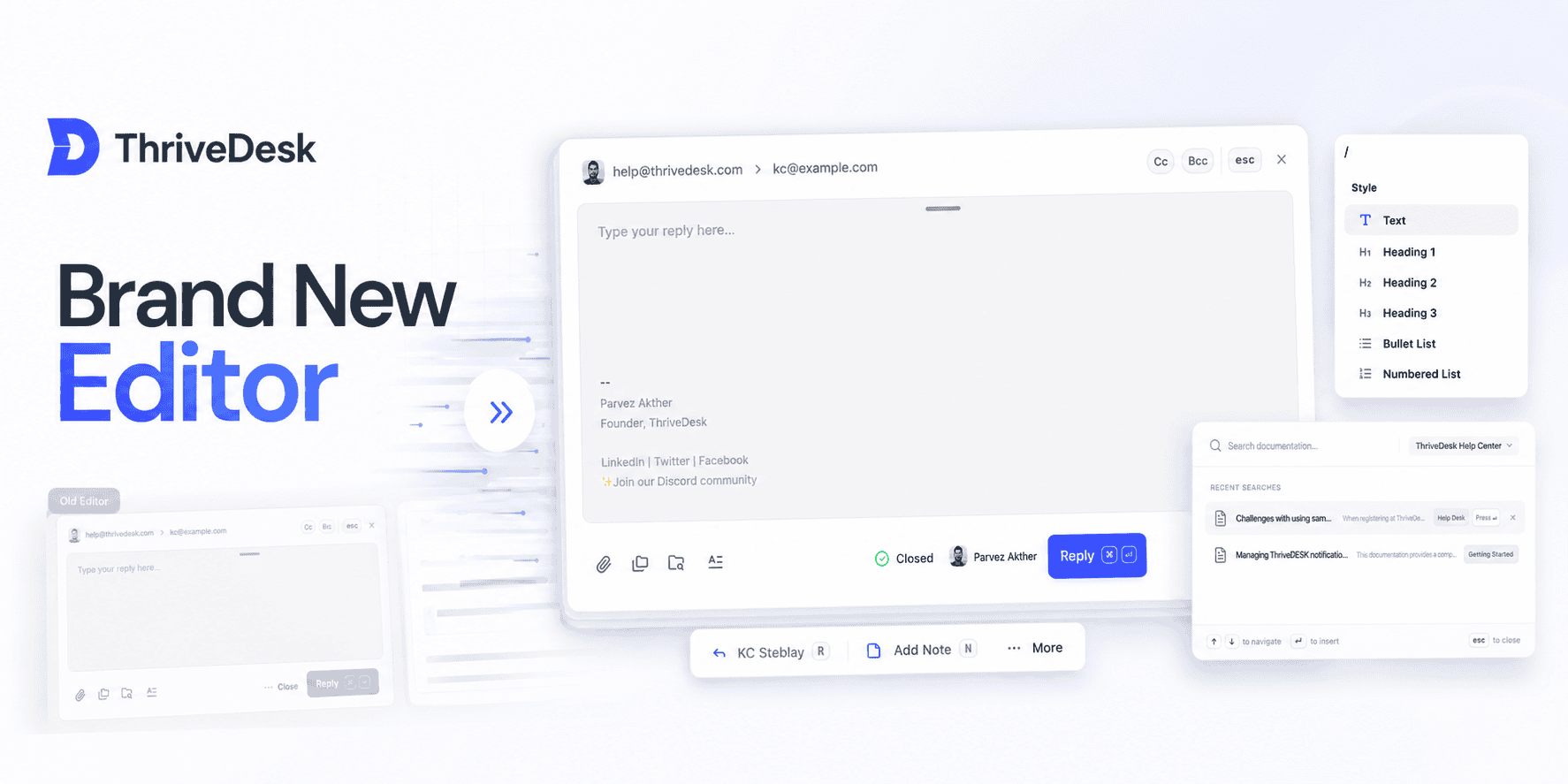
Más rápido, más limpio y con todas las funciones que solicitaste.
Acabamos de lanzar un editor completamente rediseñado, creado desde cero para que responder, redactar y tomar notas sea más sencillo y eficaz.
Ya sea que estés enviando una respuesta, agregando una nota o trabajando con borradores guardados, el nuevo editor está aquí para que todo resulte muy sencillo.
Interfaz de usuario minimalista y fresca
Un espacio de trabajo más limpio y organizado. Los campos de estado, responsable, remitente y destinatario están mejor organizados para que puedas concentrarte en escribir, en lugar de buscar controles.
Redimensionarlo a tu gusto
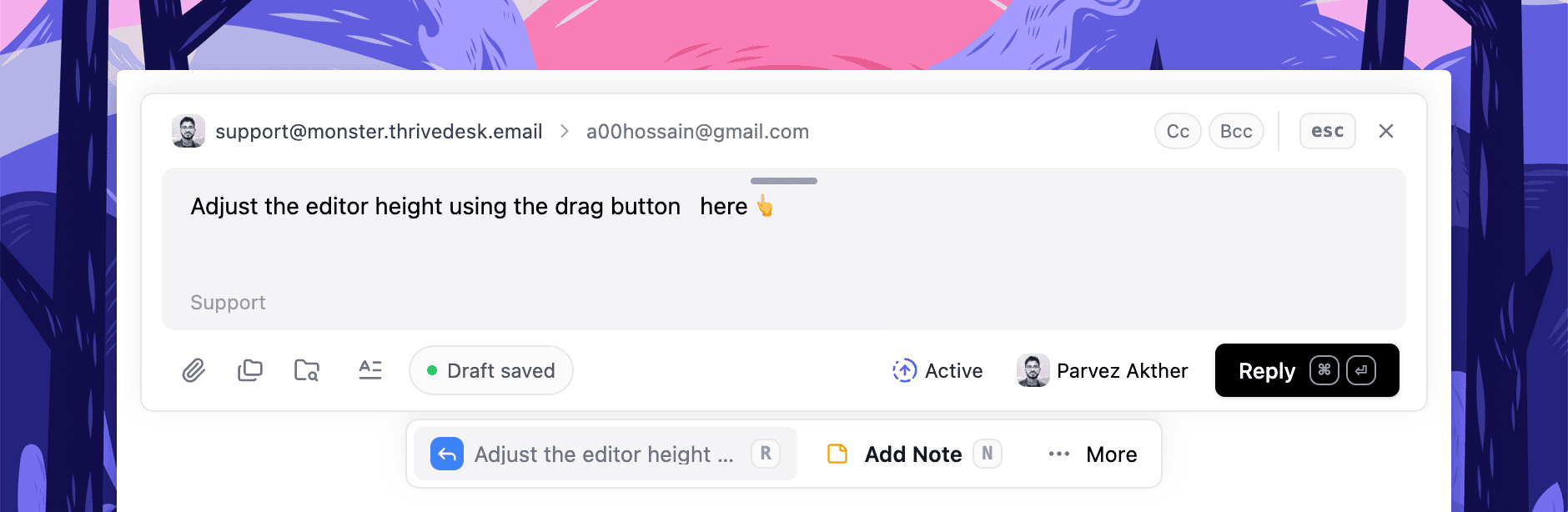
¿Necesitas más espacio? Haz el editor más alto. ¿Prefieres una vista compacta tipo chat? Mantenlo pequeño. Funciona como tú quieras.
Vista previa sin abrir
Previsualiza rápidamente las respuestas y notas sin necesidad de abrir el editor. Consulta lo que se ha guardado y vuelve a acceder solo cuando estés listo.
Redacción más inteligente
Ahora los borradores se guardan automáticamente en tiempo real y permanecen visibles incluso si cierras el editor. Puedes eliminarlos, volver a abrirlos o continuar cuando quieras, sin tener que adivinar si algo se guardó correctamente.
Markdown + Comandos de barra
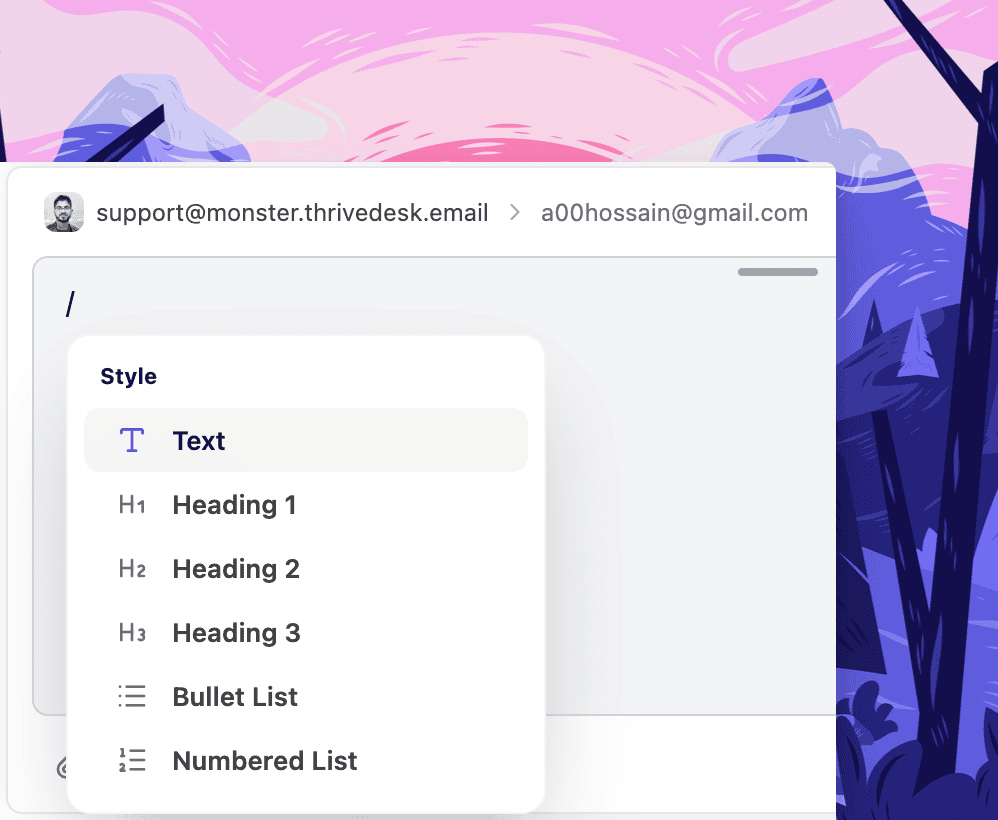
Escribe más rápido con atajos de Markdown y estilo Notion. / Comandos. Encabezados, bloques de código, listas: todo formateado sin necesidad de usar el ratón.
Búsqueda en la base de conocimientos rediseñada
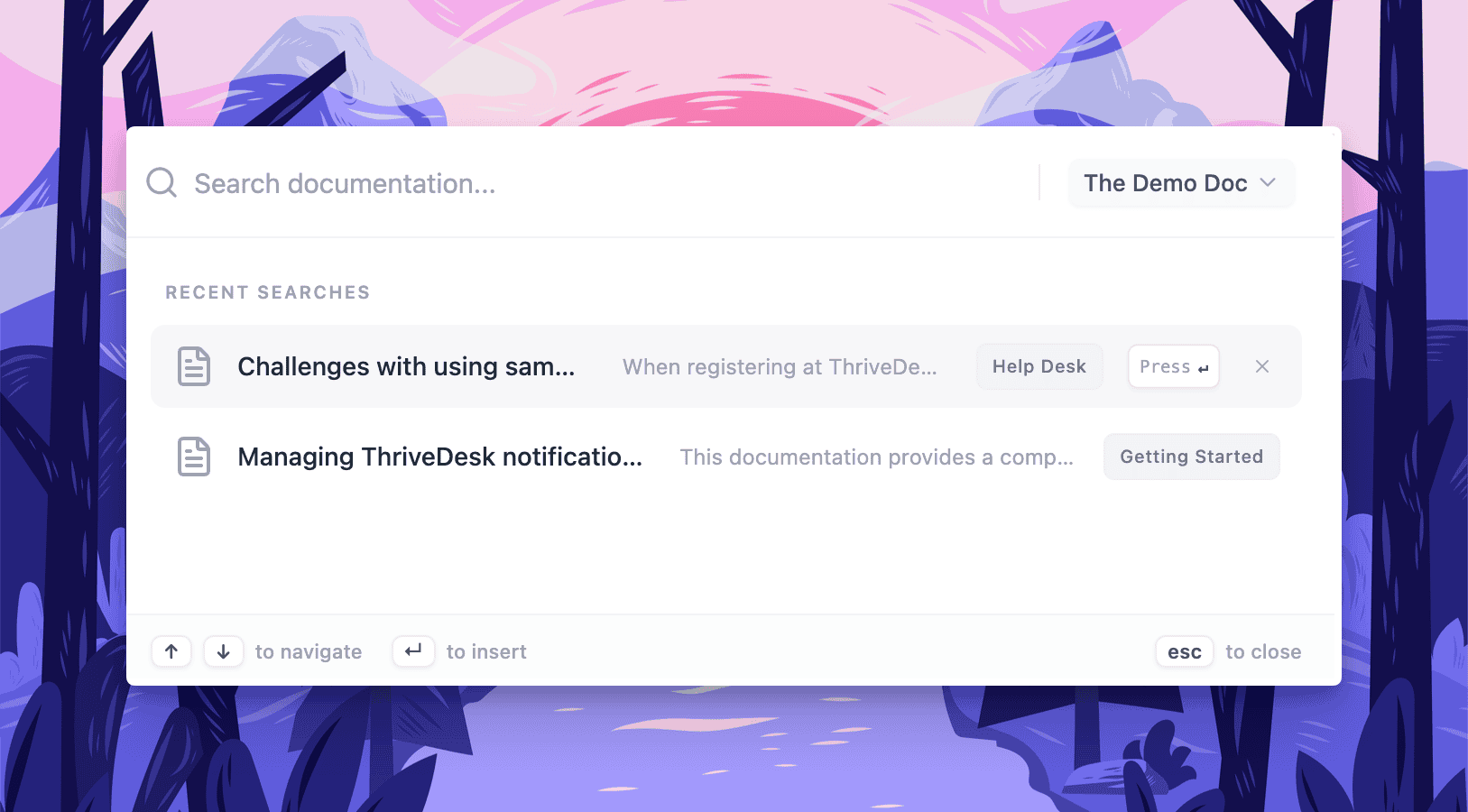
La búsqueda de artículos integrada es más rápida y ofrece mejores resultados. Encuentra el artículo de ayuda adecuado mientras respondes, sin interrumpir tu flujo de trabajo.
Chips variables
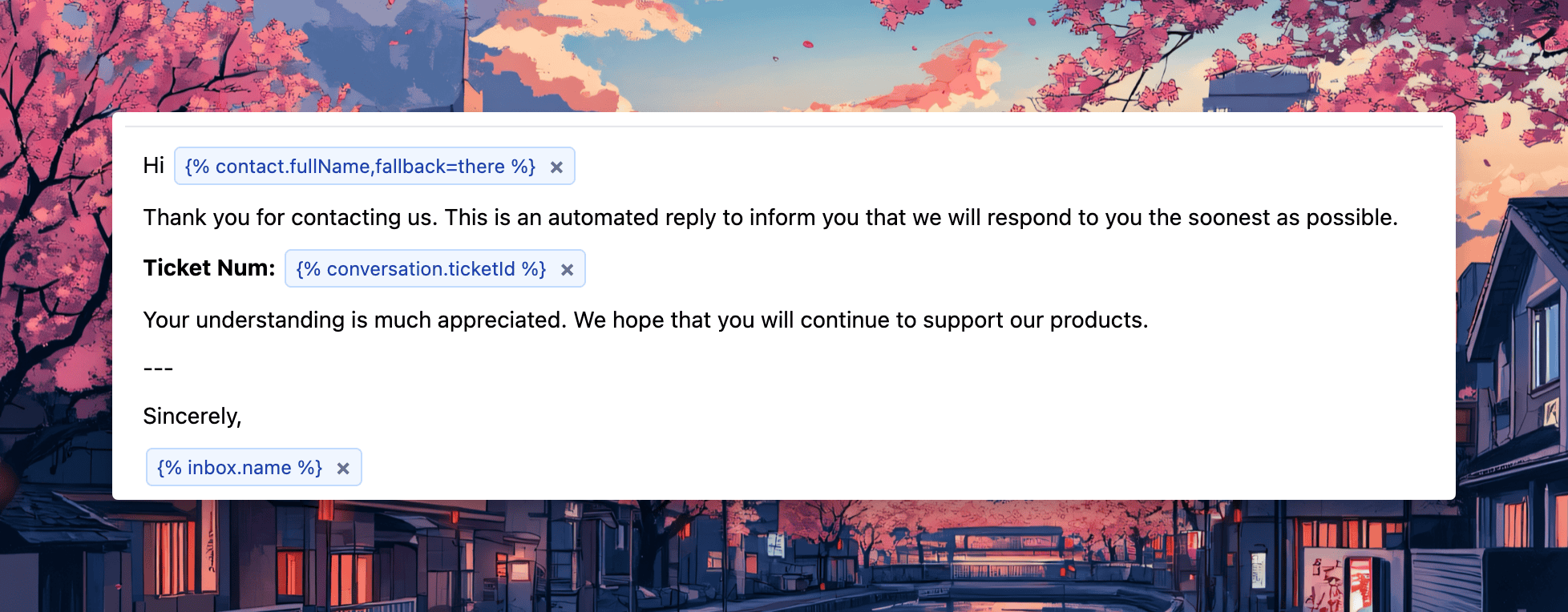
Ahora las variables aparecen como "chips" visuales, lo que facilita su inserción, revisión y edición en las respuestas. Se trata de una mejora sutil que hace que las respuestas con plantillas sean más claras y menos propensas a errores.