

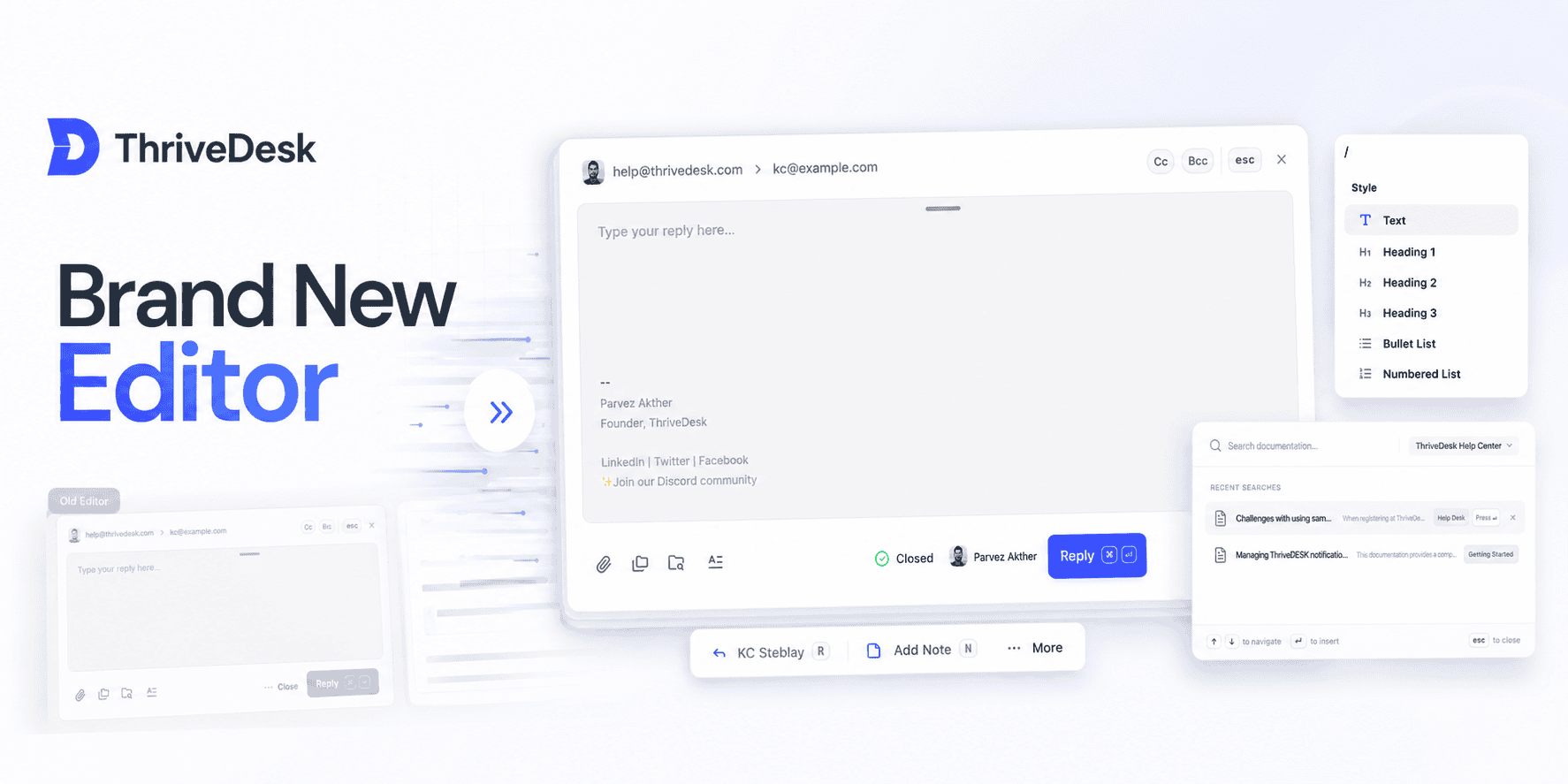
Faster, cleaner, and packed with the features you asked for.
We just launched a completely redesigned editor — built from the ground up to make replying, drafting, and note-taking smoother and more powerful.
Whether you’re sending a reply, adding a note, or working with saved drafts, the new editor is here to make it feel effortless.
Fresh Minimal UI
A cleaner, more focused workspace. Status, assignee, sender, and recipient fields are better organized so you can focus on writing, not hunting for controls.
Resize It Your Way
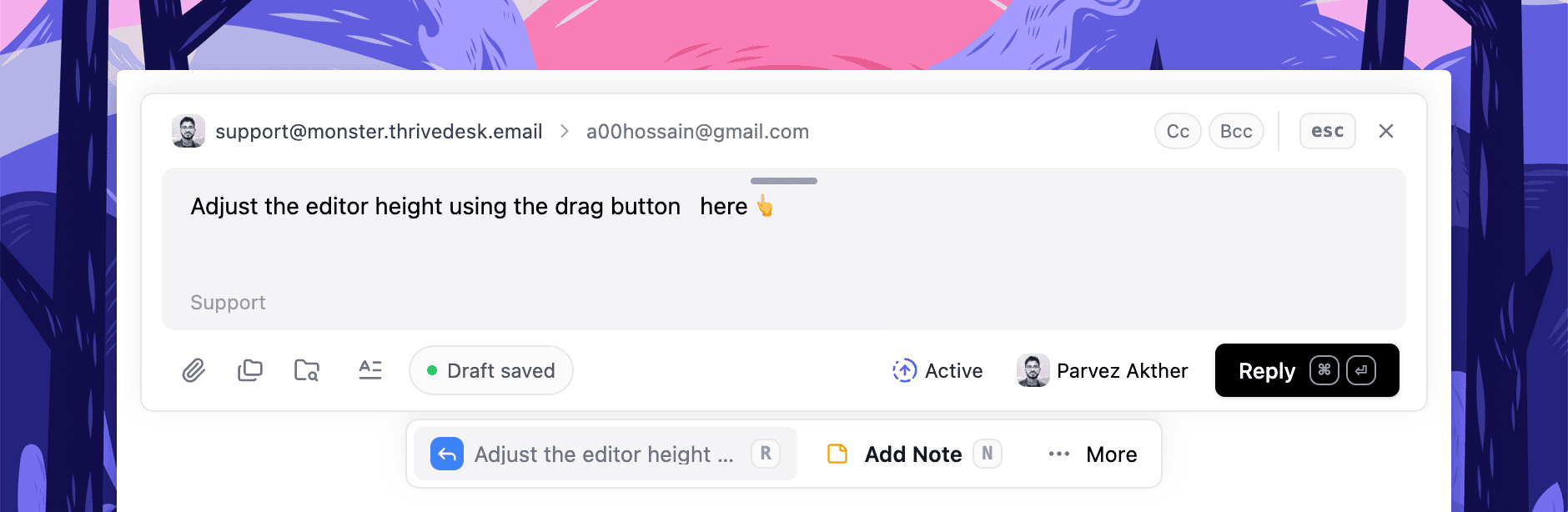
Need more room? Drag the editor taller. Prefer a compact chat-like view? Keep it small. It works however you like.
Preview Without Opening
Quickly preview replies and notes without having to open the editor. See what’s saved and jump back in only when you’re ready.
Smarter Drafting
Drafts now autosave in real-time and stay visible even if you close the editor. You can delete, reopen, or continue anytime — no more guessing if something saved.
Markdown + Slash Commands
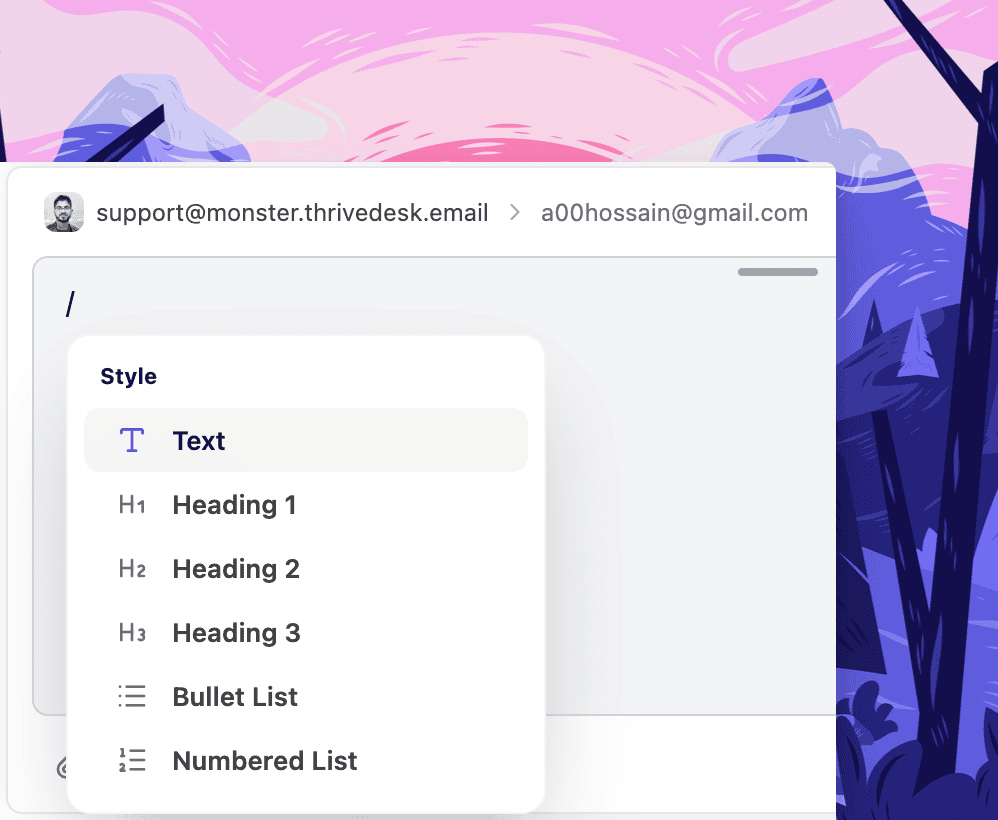
Type faster with Markdown shortcuts and Notion-style / commands. Headings, code blocks, lists — all formatted without touching your mouse.
Redesigned Knowledge Base Search
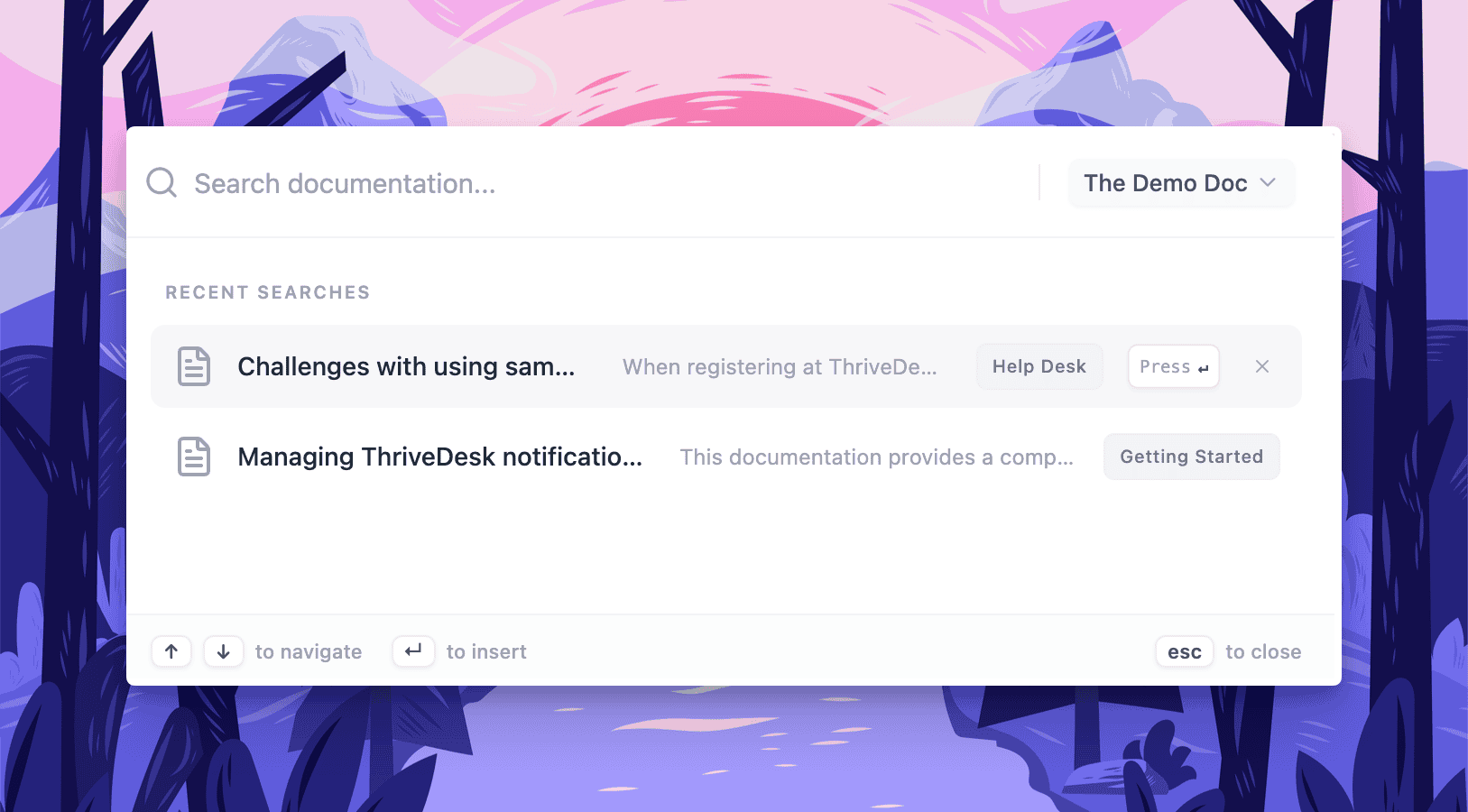
The built-in article search is faster and returns better results. Find the right help article while replying, without breaking your flow.
Variable Chips
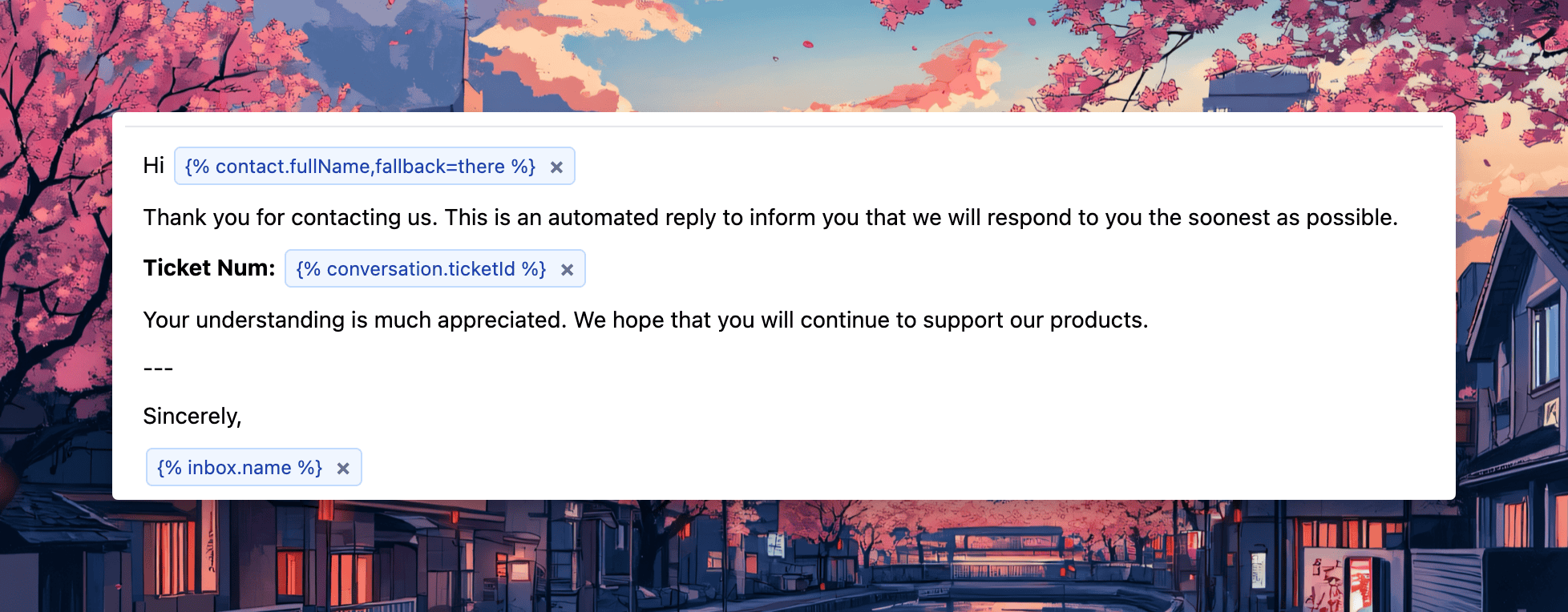
Variables now appear as visual “chips,” making them easy to insert, review, and edit in replies. It’s a subtle upgrade that makes templated replies cleaner and less error-prone.