

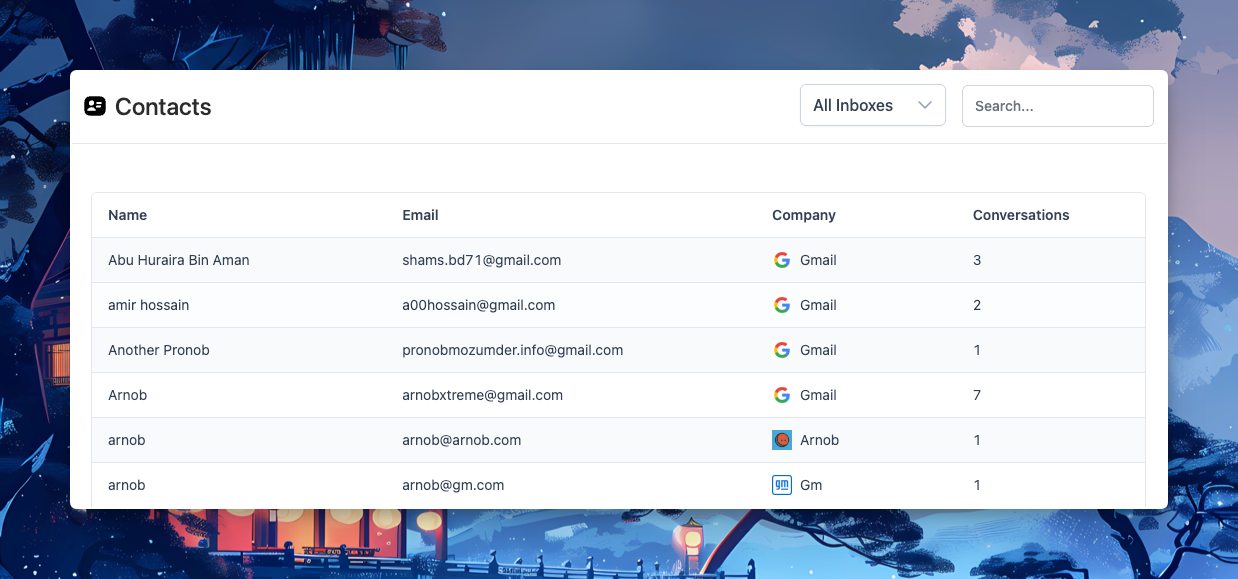
This release focuses on UI refinements, navigation improvements, and better label management, making it easier to find what you need and keep conversations organized.
Contact & Conversation Navigation
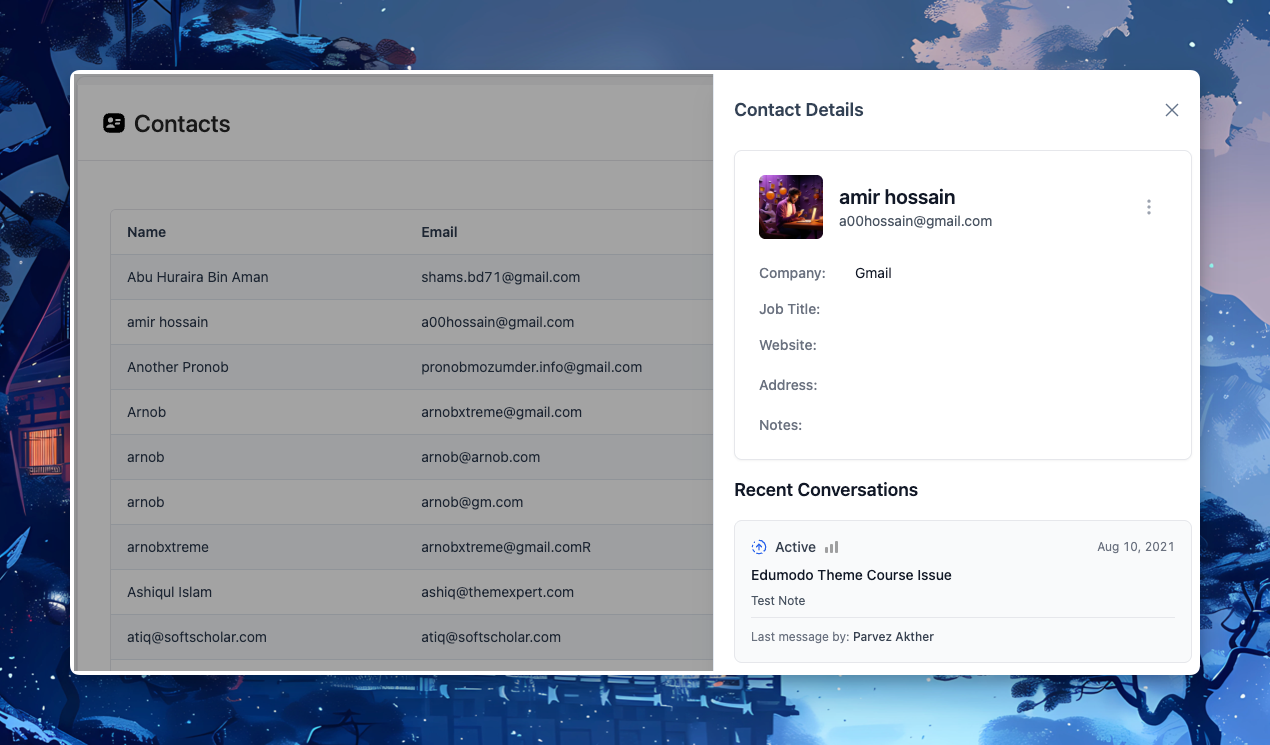
We’ve refreshed the contact UI and introduced a new conversation navigator toggle. This makes it easier to switch between views and quickly manage conversations.
Label Management
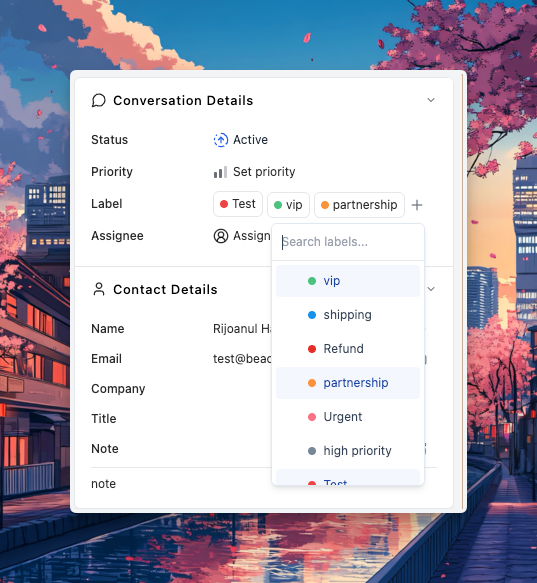
Inbox labels now include “see more” and searching options for faster access. In addition, a new pagination option has been added in label settings, making label-heavy workspaces easier to manage.
改善点
- Repositioned documents in the ThriveDesk header for better accessibility.
- Long excerpts in chat navigator are now truncated for cleaner display.
- Updated conversation layout for more consistency across views.
Bug Fixes
- Fixed loading issue in Assistant settings.
- Corrected time duration display in chat navigator.
- Fixed wrong excerpt issue in live chat navigator.