最高のWooCommerceプラグイン

Best Shipping Label Plugins for WooCommerce in 2026

You’re a busy entrepreneur running a successful eCommerce store. Finding the finest shipping label plugins to optimize your WooCommerce store can be time-consuming. We did the work for you!

These plugins can help you to get information about the carrier of your package from its origin to its destination.

ここでは、アプリの評価、レビュー数、アプリの主な機能など、客観的な基準に基づいて、最高のアプリを厳選しました。この情報が、お客様のニーズに合ったアプリ探しのお役に立てば幸いです。
WooCommerceの配送ラベルプラグインおすすめ12選

Let's take a look some of the Best Shipping Label Plugins for WooCommerce in 2026. You can click the links below to jump ahead to any plugin.

ELEX WooCommerce Australia Post Shipping Plugin with Print Label & Tracking

会社: ELEXtensions
レビュー: 5.00 (23)
無料 | 年額$69.00から

ELEX WooCommerce Australia Post Shipping Plugin with Print Label & Tracking (formerly known as XAdapter Australia Post Plugin) is a WordPress/WooCommerce extension that automates Australia Post shipping by displaying shipping rates on the cart/checkout page, tracking shipments from within WooCommerce, packing items automatically into boxes, printing eParcel Label for contract customers, and enabling tracking. This plugin is the most functional Australia Post shipping calculator for WooCommerce because of these and other capabilities.

詳細情報

WooCommerce Canada Post Shipping Plugin with Print Label

会社: プラグインハイブ
レビュー: 4.93 (86)
Price: Start from $69.00 / Year

The WooCommerce Canada Post Shipping Plugin with Print Label is a WordPress / WooCommerce extension that automates Canada Post shipping by displaying shipping rates in the cart/checkout page, printing shipping labels from WooCommerce, automatically packing items into boxes, and enabling shipment tracking.

詳細情報

WooCommerce UPS Shipping Plugin with Print Label

会社: プラグインハイブ
レビュー: 4.93 (281)
年間$69.00から

The WooCommerce UPS Shipping Plugin is a WordPress / WooCommerce extension that allows you to completely automate UPS shipping by displaying real-time rates on the cart and checkout pages, printing UPS shipping labels and paying postage from within your WooCommerce store, automatically selecting boxes, and sending UPS tracking details to customers via email.

詳細情報

WooCommerce Shipping Plugin for FedEx with Print Label

会社: プラグインハイブ
レビュー: 4.93 (221)
Start from $69 / Year

The WooCommerce Shipping Plugin for FedEx with Print Label is a WordPress plugin for WooCommerce that helps you automate FedEx shipping completely. The plugin shows shipping rates on the cart and checkout pages, lets you pay for postage and print labels from within WooCommerce, automatically figures out which boxes to use to pack the items, and lets you track shipments.

You can do two main things with the WooCommerce FedEx Shipping Plugin with Print Label:
It can automatically figure out the correct FedEx shipping rates (which makes it also fit in the previous category of plugins). You can use it to print labels for both shipping and returning.

詳細情報

PSS WooCommerce USPS Shipping Plugin with Print Label

会社: プラグインハイブ
レビュー: 4.90 (226)
無料 | 月額$9.00から

PSS WooCommerce USPS Shipping is a fantastic plugin because it offers a complete USPS shipping connection.

You may offer consumers a number of shipping options with the corresponding fees displayed onscreen at checkout using this plugin. Based on the box sizes you pre-configure in the options menu, these prices are generated using the USPS API.

This plugin not only calculates shipping costs, but it also generates shipping labels that you can print from your site’s dashboard. Even better, you and your consumer can both see the real-time tracking information. After a purchase, customers will receive a tracking number through email, and you’ll see a whole shipping timetable in your dashboard.

詳細情報

ELEX WooCommerce DHL Express / eCommerce / Paket / Parcel Shipping Plugin with Print Label

会社: ELEXtensions
レビュー: 4.90 (135)
年間$79.00から

The ELEX WooCommerce DHL Shipping Plugin with Print Label makes it easy for store owners to get DHL shipping rates and print DHL shipping labels for DHL Express, DHL Paket, DHL Parcel, and DHL eCommerce. Also, we are an Official DHL Partner (XAdapter WooCommerce DHL Plugin), which is another reason to trust this plugin for your WooCommerce DHL integration.

詳細情報

ELEX EasyPost(FedEx、UPS、カナダ郵便、USPS)WooCommerce用配送・ラベル印刷プラグイン

会社: ELEXtensions
レビュー: 4.89 (44)
年間$69から開始

Automate your WooCommerce UPS, WooCommerce FedEx and WooCommerce Canada Post shipping with our ELEX EasyPost (FedEx, USPS and Canada Post) shipping method plugin for Woofcommerce. This plugin helps you to display shipping rates on the cart/checkout page, pay postage and print labels from within your store using the EasyPost APIs.

EasyPostが提供する無料サービスを制限を超えて使用した場合、選択されたアカウントに追加料金が発生します。詳細については、EasyPostの料金ページをご覧ください。.

詳細情報

ELEX WooCommerce USPS配送プラグイン(出荷追跡およびラベル印刷機能付き)

会社: ELEXtensions
レビュー: 4.86 (66)
無料 | 年額$69.00から

ELEX WooCommerce USPS Shipping Pluginは無料で、WooCommerceに最適な配送プラグインです。USPS APIから取得したリアルタイムの送料を、チェックアウトページとカートページに表示できます。.

ELEX WooCommerce USPS Shipping PluginをWooCommerceストアに追加すると、ユーザーは代替料金を設定できます。APIから配送料金が提供されない場合、チェックアウトページとカートページには代替料金が表示され、商品の配送費用が計算されます。.

主な機能:

  • The name of the shipping method can be changed quickly and easily.
  • Show the estimated time of delivery.
  • The store admin can also use the tracking feature to see where the package is.
  • Lets you print labels for shipping (premium users).
  • Enables tracking of shipments (premium users).
詳細情報

ELEX Stamps.com WooCommerce用USPS郵便料金対応配送プラグイン

会社: ELEXtensions
レビュー: 4.83 (60)
年間$69から開始

Stamps.comのサポートにより、WooCommerceサイトでUSPSの郵送サービスを利用できるようになりました。以前のプラグインではなくこのプラグインを使用すれば、eVSアカウントをお持ちでなくてもUSPSの郵送ラベルを印刷できます。USPSの料金とサービスの表示、配送状況の追跡、パッケージの梱包に加え、他にも多くの便利な機能が備わっています。Stamps.comはELEXを公式の統合パートナーとしているため、この分野で最も有名な製品の一つとなっています。.

詳細情報

WooCommerce PDF Invoices, Packing Slips, Delivery Notes and Shipping Labels

会社: ウェブトフィー
レビュー: 4.8 (131)
無料 | 年額$69.00から

This free plugin provides a simple way to handle shipping document printing. All WooCommerce PDF invoices, packing slips, shipping labels, and delivery notes fall into this category. You can also accomplish all of this right from your WooCommerce order pages.

The plugin also allows you to personalize the documents that are generated with your company’s branding. You can set up the documents to be sent to both customers and yourself. When you add in the option to see these documents before printing them, you’ve got yourself a complete shipping solution for dealing with paperwork. Invoices, packing slips, and labels are all required for international delivery, and this is the ideal free WooCommerce shipping plugin for the job.

詳細情報

WooCommerce Print Invoices and Packing Lists

会社: スカイヴァージ
レビュー: 4.4 (28)
年間$79.00から

The WooCommerce Print Invoices & Packing Lists plugin is the best way for your WooCommerce store to handle invoices, packing lists, and pick lists. This plugin makes it easy to print documents for orders right from the Orders page, either one at a time or in groups. Customers can also see their invoices from the “My Account” page.

When you ship orders with invoices, you can give customers important order and policy information when they get their purchases. Print Invoices and Packing Lists makes it easy to send order information to customers. With just two clicks, you can print all of the documents you need.

詳細情報

What is shipping label in WooCommerce?

Shipping label contains vital information about an order such as
– Addresses of sender and recipient
– Weight
– Dimensions
– Shipping method

What are shipping labels used for?

Shipping labels are used to convey vital and necessary information about an order to the supply chain, helping technology and package carriers.

What needs to be on a shipping label?

The shipping label needs to contain various necessary information about an order. This information is outlined below
– Origin/return address
– Destination address
– Package weight
– Package dimensions
– Shipping class(bulky items, fragile items, lightweight items etc)
– Electronic tracking number
– Shipping barcode

What is Table rate shipping?

Table rate shipping allows you to add further complex criterias to your shipping guidelines. To set up table rate shipping navigate to your WooCommerce dashboard => Settings => Shipping => Choose shipping zone => Add shipping method => Select table rate from dropdown menu.

What size does the shipping label have to be?

The size of the shipping label depends on the size of the package and also on where it is going to be delivered. In general, the standard size of a shipping label is around 4 inches by 6 inches (10cm x 15cm).

The shipping label should include the following information:

– The sender’s name, address, and phone number
– The recipient’s name, address, and phone number
– The package weight and dimensions
– Shipping class
– Scannable barcode

What is shipping class in WooCommerce?

Shipping classes in WooCommerce allow you to specify the shipping conditions for a product you are shipping. Some shipping classes for WooCommerce are outlined below

=> Bulky items – Heavy item such as furniture might have an excess shipping charge.
=> Lightweight items – Smaller items that may only require an envelope or small box might not have a excess charge,
=> Fragile items – Fragile items such as glassware or pottery might require bubble-wrap and bigger box.
=> Specific packaging – Items such as art or posters might require a special container or poster tubes.

What is shipping zone in WooCommerce?

Shipping zones refer to the geographical location to which you will be shipping your products. You can choose elaborate locations down to the zip code of the region but also leave the location general.

To set up shipping zone navigate to your WooCommerce dashboard => Settings => Shipping
Just in case, you can’t find the shipping option go back to the WooCommerce dashboard => General => Scroll down and enable shipping location(s).

How do I add shipping costs to WooCommerce?

To add shipping costs to WooCommerce
>Navigate to WooCommerce Dashboard
> Settings
=> Choose shipping locations
=> Choose shipping zones
=> Choose shipping methods
=> Choose shipping rates

How do I set free shipping in WooCommerce?

To set up free shipping in WooCommerce,
> Navigate to WooCommerce Dashboard
> Settings > Shipping
=> Choose shipping locations
=> Choose shipping zones
=> Choose shipping methods
=> Flat rate, Free shipping, Local pick up, Flexible shipping
Free shipping options
> Minimum order amount
> Free shipping coupon
> Minimum order amount OR a coupon
> Minimum order amount AND a coupon

How do I add flexible shipping to WooCommerce?

To add flexible shipping in WooCommerce,
> Navigate to WooCommerce Dashboard
> Settings
=> Choose shipping locations
=> Choose shipping zones
=> Choose shipping methods
=> Flat rate, Free shipping, local pick up, Flexible shipping

How do I restrict the shipping zone in WooCommerce?

To restrict the shipping zone in WooCommerce
> Navigate to WooCommerce Dashboard
> Settings
> Restrictions
=> Types of restrictions
> Payment gateways
> Shipping methods
> Shipping destinations

Pick shipping destinations and then click the “Add restriction” button. You can add various restrictions
> Exclude countries
> Exclude state/regions

How do I change the default shipping method in WooCommerce?

To change the default shipping method in WooCommerce
> Navigate to WooCommerce Dashboard
> Settings
=> Choose shipping locations
=> Choose shipping zones
=> Choose shipping methods
=> Flat rate, Free shipping, Local pick up, Flexible shipping

Select and hold the three bars on the left-side of the shipping method name(Flat rate, free shipping etc) and drag it up or down in the list. The default shipping method for that shipping zone will be the top, enabled method in the list.

アフィリエイト免責事項
このブログにはアフィリエイトリンクが含まれており、これらのリンクから商品を購入された場合、お客様に追加料金は発生しません。私たちは、読者の皆様に価値をもたらすと確信し、信頼できる製品とサービスのみを推奨しています。
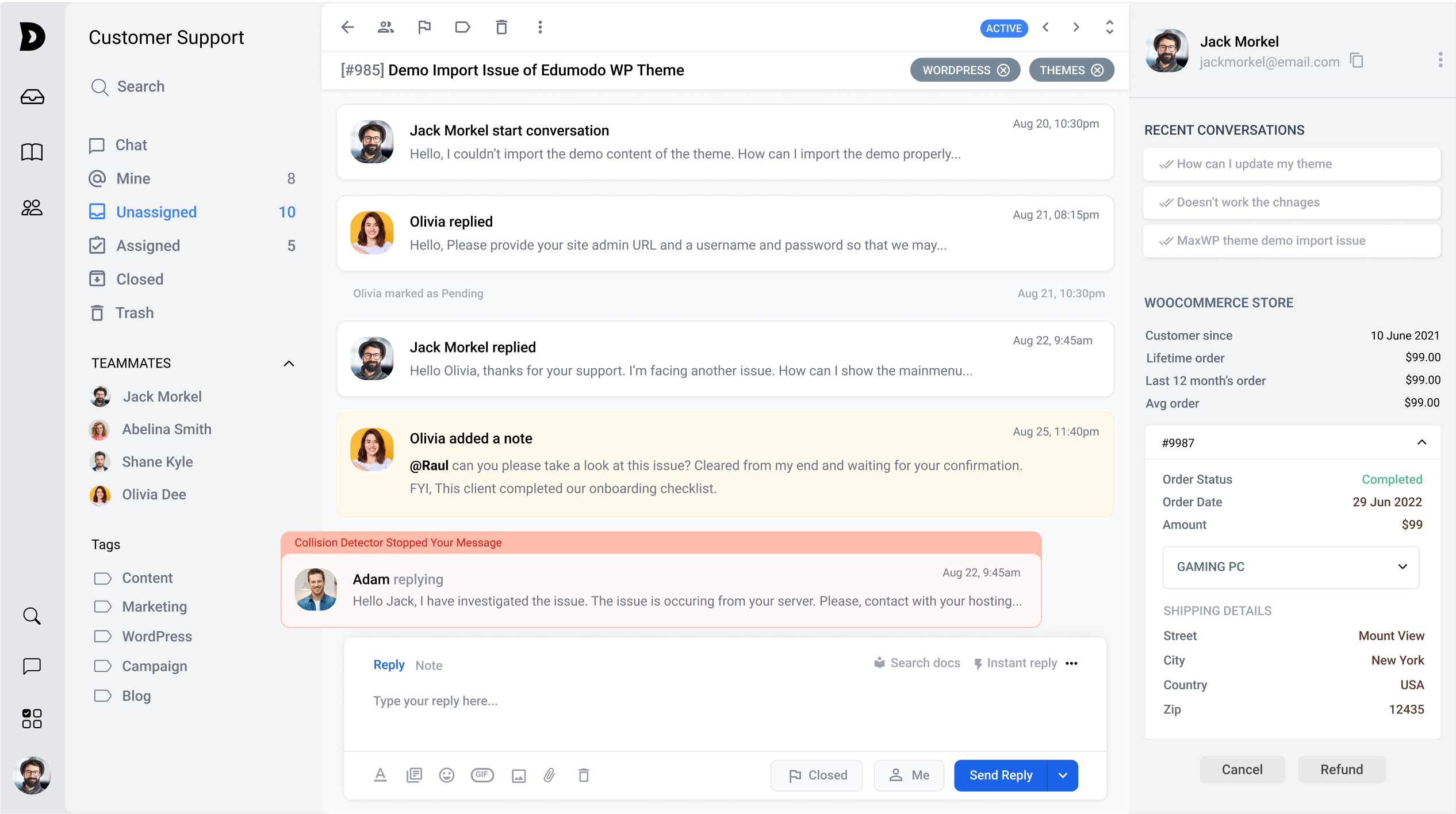
くだらない話のないAIカスタマーサポート
✨AI 副操縦士を入手してチームと AI エージェントを強化し、光速でチケットを解決します。
ThriveDeskを無料でお試しください

その他のWooCommerceプラグイン